Hi Mouser,
Thank you for a great product ;-)
Not sure if this has been asked before?
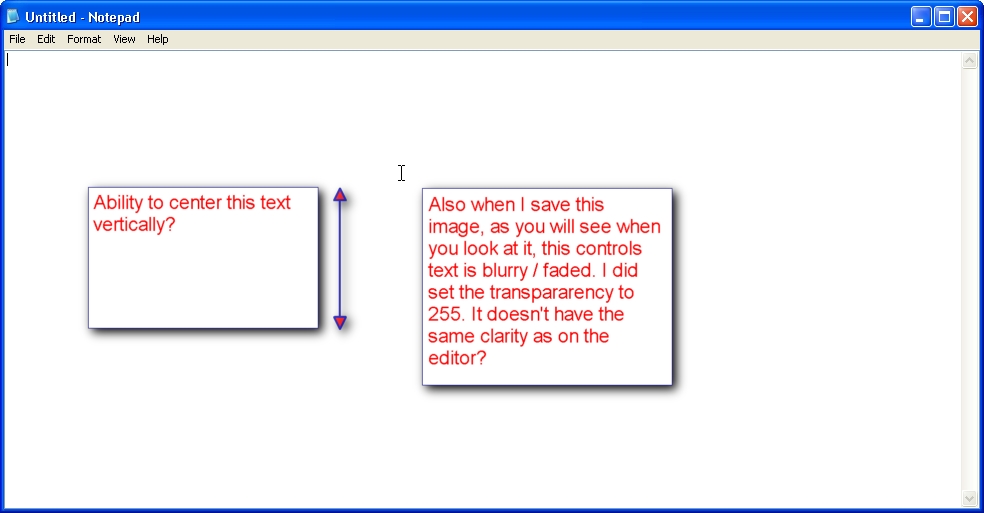
It would be great to have an option to align the text added to a screenshot vertically top, center or bottom. Currently you can only do it horizontally left, center, right. (1st attachment)
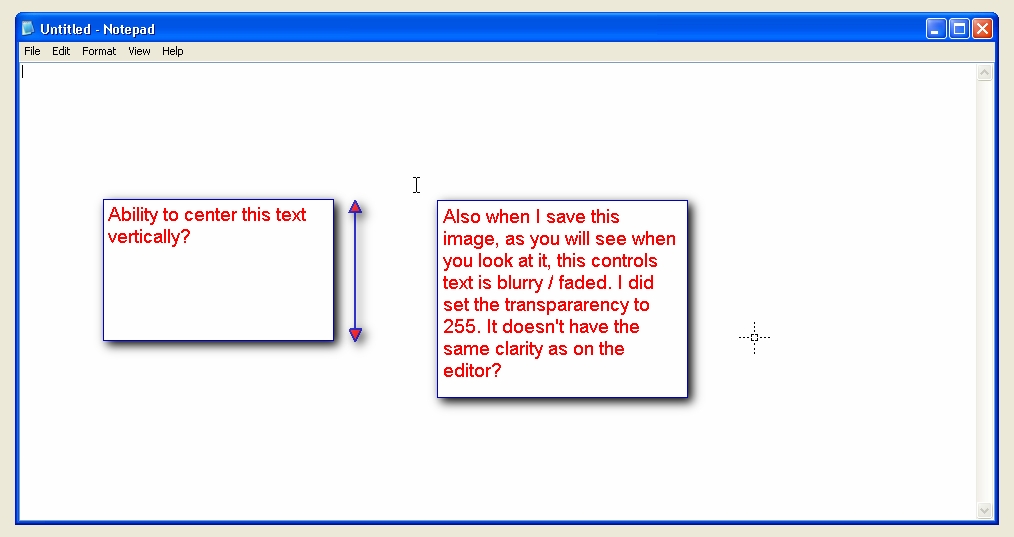
Also something else I noticed with is that when I save the image with added text it looks slightly blurred / fuzzy even though I had transparency set to 255. Am I doing something wrong? (2nd attachment)
Take care,
Magnus
Thank you for a great product ;-)
Not sure if this has been asked before?
It would be great to have an option to align the text added to a screenshot vertically top, center or bottom. Currently you can only do it horizontally left, center, right. (1st attachment)
Also something else I noticed with is that when I save the image with added text it looks slightly blurred / fuzzy even though I had transparency set to 255. Am I doing something wrong? (2nd attachment)
Take care,
Magnus