


Goes to show that not only can I be a complete moron at times, but I also put my computer through hell while doing so. This would be defined as the most idiotic, dangerous, insane way to check your disk for issues...
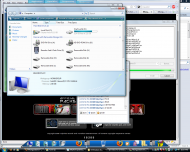
Window's disk cleanup notification bubble appeared and told me that I had "Low Disk Space on Drive C:" (this was after I noticed the decline from 1.04GB to 780MB to 180MB). As I type this post, it brought up a congratulation message telling me that I was able to recover enough space for Windows to not die:
I wouldn't recommend trying this on your own, unless you are a little on the crazy side (ex: me).
I now have 5.96GB free on C (good riddance Need for Speed Undercover!), and am going to continue installing my new game (seen in the screenshot).
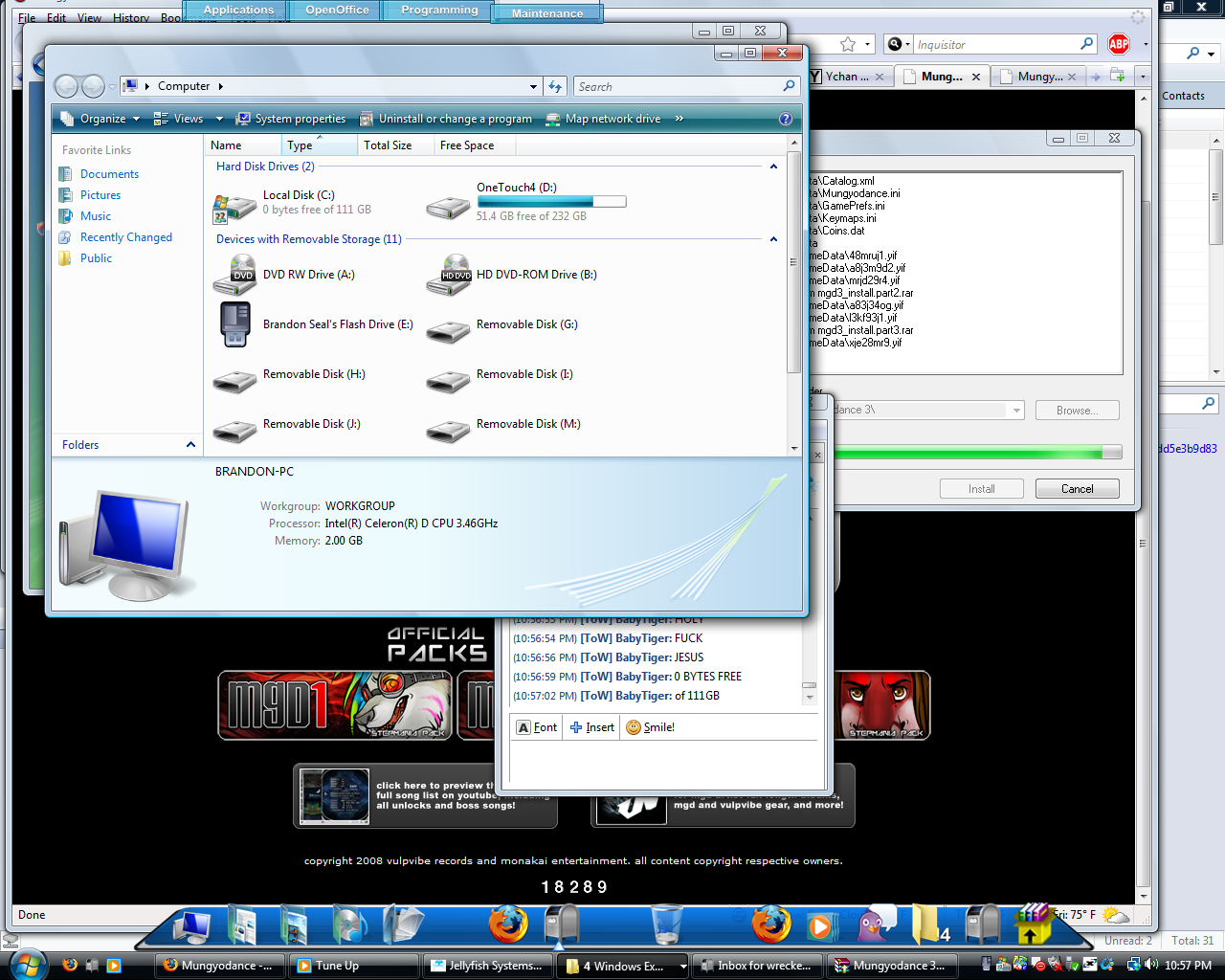
Window's disk cleanup notification bubble appeared and told me that I had "Low Disk Space on Drive C:" (this was after I noticed the decline from 1.04GB to 780MB to 180MB). As I type this post, it brought up a congratulation message telling me that I was able to recover enough space for Windows to not die:
Spoiler (click to show/hide)
[Window Title]
Disk Space Notification
[Main Instruction]
You have successfully resolved the low disk space condition. Your C:\ volume now has 160 MB of free space remaining.
[Content]
To free up additional disk space by deleting unused programs, open Programs and Features.
Open Change or remove a program
[OK]
Disk Space Notification
[Main Instruction]
You have successfully resolved the low disk space condition. Your C:\ volume now has 160 MB of free space remaining.
[Content]
To free up additional disk space by deleting unused programs, open Programs and Features.
Open Change or remove a program
[OK]
I wouldn't recommend trying this on your own, unless you are a little on the crazy side (ex: me).
I now have 5.96GB free on C (good riddance Need for Speed Undercover!), and am going to continue installing my new game (seen in the screenshot).


 - carpe noctem


 Online TrID file identifier
 SeqBox

 mhdd32ver4.6iso.log.zip