I have spent the last day and a half backing up odds and sods on my system, reformatting and reinstalling Windows from scratch.
It has been long overdue, and a screwed up NTFS partition was the final straw (lots of crosslinked files all of a sudden for no apparent reason).
Great I think - blank partition - full format (so I map any bad spots on the disk) and away we go - it will be really nice to have a clean install ...
That's what I thought.
I installed the latest Catalyst Drivers from ATI (the recommended download for my card). Having installed and rebooted twice to complete it my even viewer had loads of errors (including things like stuff not found, bad parameters etc). So much for the recommended drivers. I rollwed back to the MS supplied versions from Windows Update and no errors now.
Lots of things like this. For example, trying to install my Audigy 2 sound card from downloads at the Creative website ended up with an incomplete install, and I had to uninstall and start from the CDROM supplied and then update from the website, my Creative Zen Micro had to be installed from the CD as there didn't seem anyway to do this from the website. Trouble is the firmware is at a completely different version to the that expected by the disc so it doesn't work - OK update from the website and then manually unistall the rubbish that is left behind.
After going on like this for some time my installation was looking less than clean.
MS Office shouldn't be a problem .... oh yeah ... lots of events recorded (mostly about permissions set incorrectly and assuming defaults that may or may not work) ...
Anyway I have fianlly got an installation that is running with no extraneous event log entries (well usually - it seems to vary a bit from boot to boot).
One final annoyance - which is where I really need help:
When I logoff/restart/shutdown the system instead of simply hearing the usual annoying tune there is an error beep first and an error window flashes up for a split second befor disappearing. I can't figure out what is causing the error (it leaves no log entry to tell me) as I can't see the error window message (it really is just a blur) ...
Anyone got any ideas how to track this down?
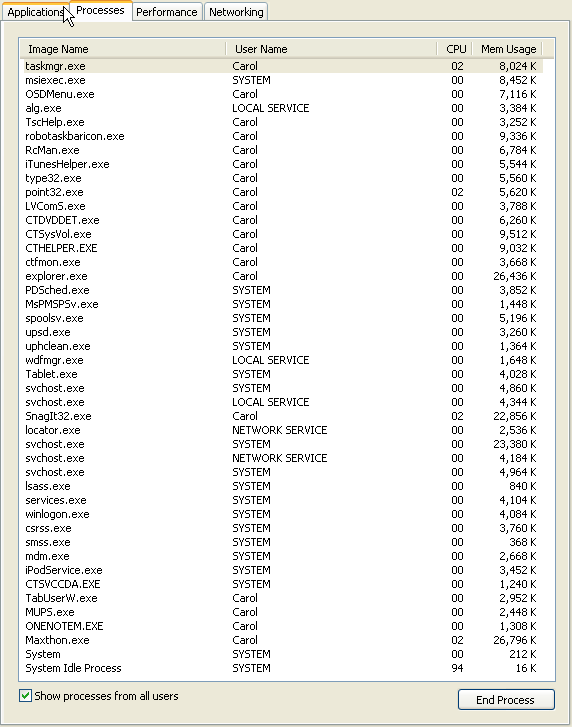
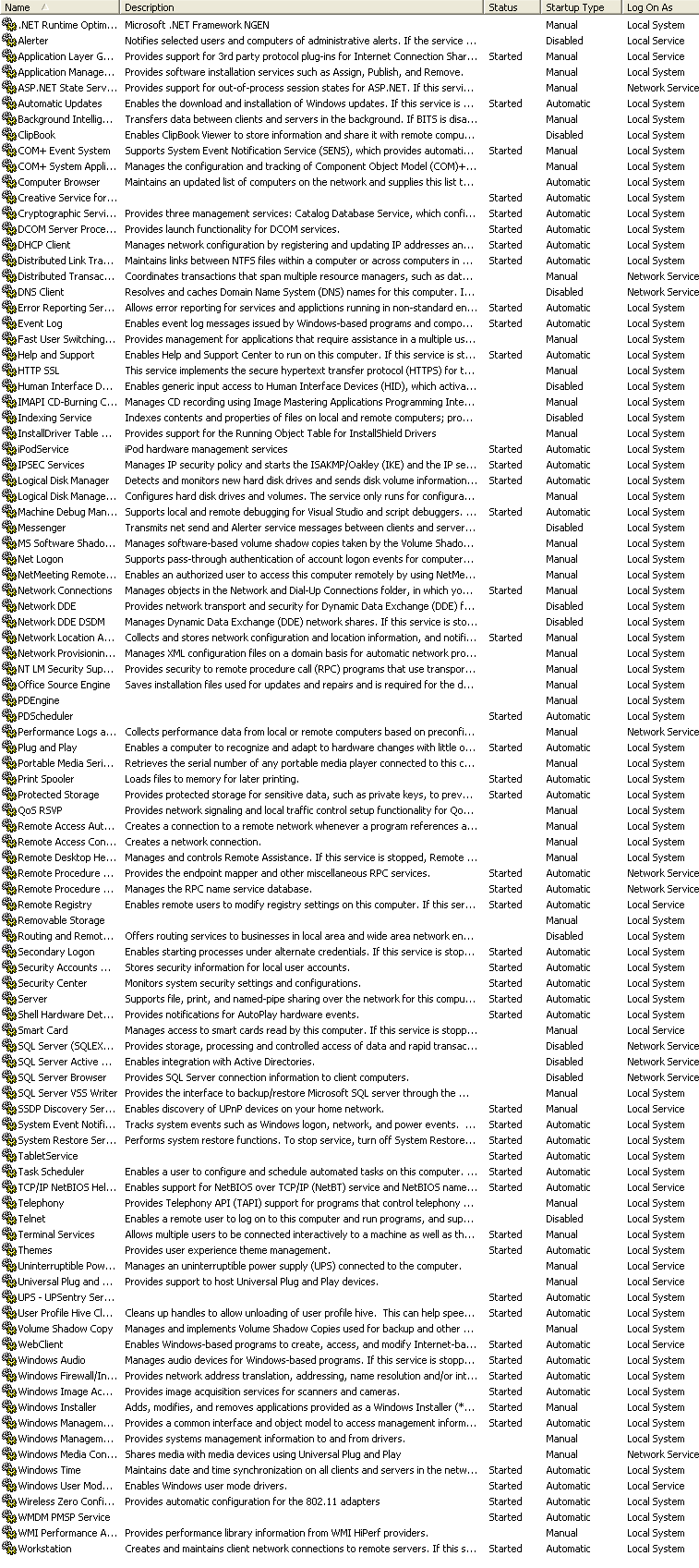
What I have done so far is to close all tray icons, all processes that I can and all services that look stoppable before shutting down, and it still happens.
It really is very frustrating ... am I going to have to put the last day and half down to experience and start again?
It has been long overdue, and a screwed up NTFS partition was the final straw (lots of crosslinked files all of a sudden for no apparent reason).
Great I think - blank partition - full format (so I map any bad spots on the disk) and away we go - it will be really nice to have a clean install ...
That's what I thought.
I installed the latest Catalyst Drivers from ATI (the recommended download for my card). Having installed and rebooted twice to complete it my even viewer had loads of errors (including things like stuff not found, bad parameters etc). So much for the recommended drivers. I rollwed back to the MS supplied versions from Windows Update and no errors now.
Lots of things like this. For example, trying to install my Audigy 2 sound card from downloads at the Creative website ended up with an incomplete install, and I had to uninstall and start from the CDROM supplied and then update from the website, my Creative Zen Micro had to be installed from the CD as there didn't seem anyway to do this from the website. Trouble is the firmware is at a completely different version to the that expected by the disc so it doesn't work - OK update from the website and then manually unistall the rubbish that is left behind.
After going on like this for some time my installation was looking less than clean.
MS Office shouldn't be a problem .... oh yeah ... lots of events recorded (mostly about permissions set incorrectly and assuming defaults that may or may not work) ...
Anyway I have fianlly got an installation that is running with no extraneous event log entries (well usually - it seems to vary a bit from boot to boot).
One final annoyance - which is where I really need help:
When I logoff/restart/shutdown the system instead of simply hearing the usual annoying tune there is an error beep first and an error window flashes up for a split second befor disappearing. I can't figure out what is causing the error (it leaves no log entry to tell me) as I can't see the error window message (it really is just a blur) ...
Anyone got any ideas how to track this down?
What I have done so far is to close all tray icons, all processes that I can and all services that look stoppable before shutting down, and it still happens.
It really is very frustrating ... am I going to have to put the last day and half down to experience and start again?