


Alright, my first review of anything here on DC, so please don't be too hard on me if I completely screw this up... 
Basic Info:
Intro:
SharePod is an application to allow you to circumvent the use of iCrap (iTunes, for those of you still attached to the demon that have yet to realize it). I utilized this, along with the temporary assistance of SongBird, to prepare my iPod and skip iTunes altogether.
Main GUI:
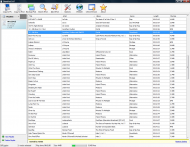
Media GUI:
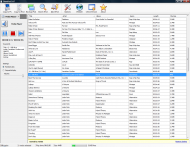
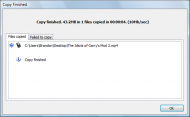
Copy completed GUI (same GUI when copy is in progress, just shows animated image instead of "Copy finished" text:
Who is this app designed for:
Anyone with an iPod/iTouch/iPhone that wants to ditch what could possibly be one of the worlds most annoying applications. Simple, smart, straightforward.
The Good:
The needs improvement section
Why I think you should use this product
It is a fast, lightweight and great little alternative to iTunes. Free and well built, I see no reason why any other application should be chosen over this one for the task of iPod syncs. It does its job, does it well, and does it fast.
How does it compare to similar apps
I tried a bunch of different odd programs around Google, including SongBird (I speak highly of this media player) - SB could not sync with the iPod, BUT it did prepare it so I could sync it with SharePod. SP basically blew everything out of the water for me.
Conclusions
Definately recommend it - anyone can use and understand it, and it can save you in the case of catastrophic computer reformat. SharePod sits on your iPod (not required, but why not?) so you can pull your music back in seconds (or minutes). Worth taking a serious look at if you are like me and hate iTunes, or just want a simple way to sync and go.
Links to other reviews of this application
None that I know of.
Extras
Below is my personal Autorun.inf from my iPod - it will autostart SharePod.exe in the root folder of your iPod (directly in the iPod, NOT in any subfolder). Note that I got this as a new iPod, set it up with SongBird and then use SharePod to sync it, so you may have to follow those steps to get the full disk space and potential out of your iPod as well.
Basic Info:
| App Name | SharePod |
| App URL | SharePod Website |
| App Version Reviewed | SharePod 3.8.7 (25 September 2008) |
| Test System Specs | Quote CPU: 3.6GHz Intel Celeron D (Single Core) |
| Supported OSes | Win 2k and up I *think* (.NET 2.0+ required) |
| Support Methods | Forum |
| Upgrade Policy | Main program free, developer options appear to be lifetime (not sure) |
| Trial Version Available? | Freeware, developer source code available but no trial |
| Pricing Scheme | Free, source code and commercial license available |
| Author Donation Link | Donate to the creator of SharePod |
| Reviewer Donation Link | Link to your profile, in the format similar to this  Donate to wreckedcarzz, the Author Donate to wreckedcarzz, the Author |
| Screencast Video URL | Somewhat basic video on how to set up SP, however the video author (not me) uses iTunes alongside SP - modify to your own situation (I merely skimmed the video) |
| Relationship btwn. Reviewer and Product | None - just a satisfied (and occasionally annoyed) user |
Intro:
SharePod is an application to allow you to circumvent the use of iCrap (iTunes, for those of you still attached to the demon that have yet to realize it). I utilized this, along with the temporary assistance of SongBird, to prepare my iPod and skip iTunes altogether.
Main GUI:
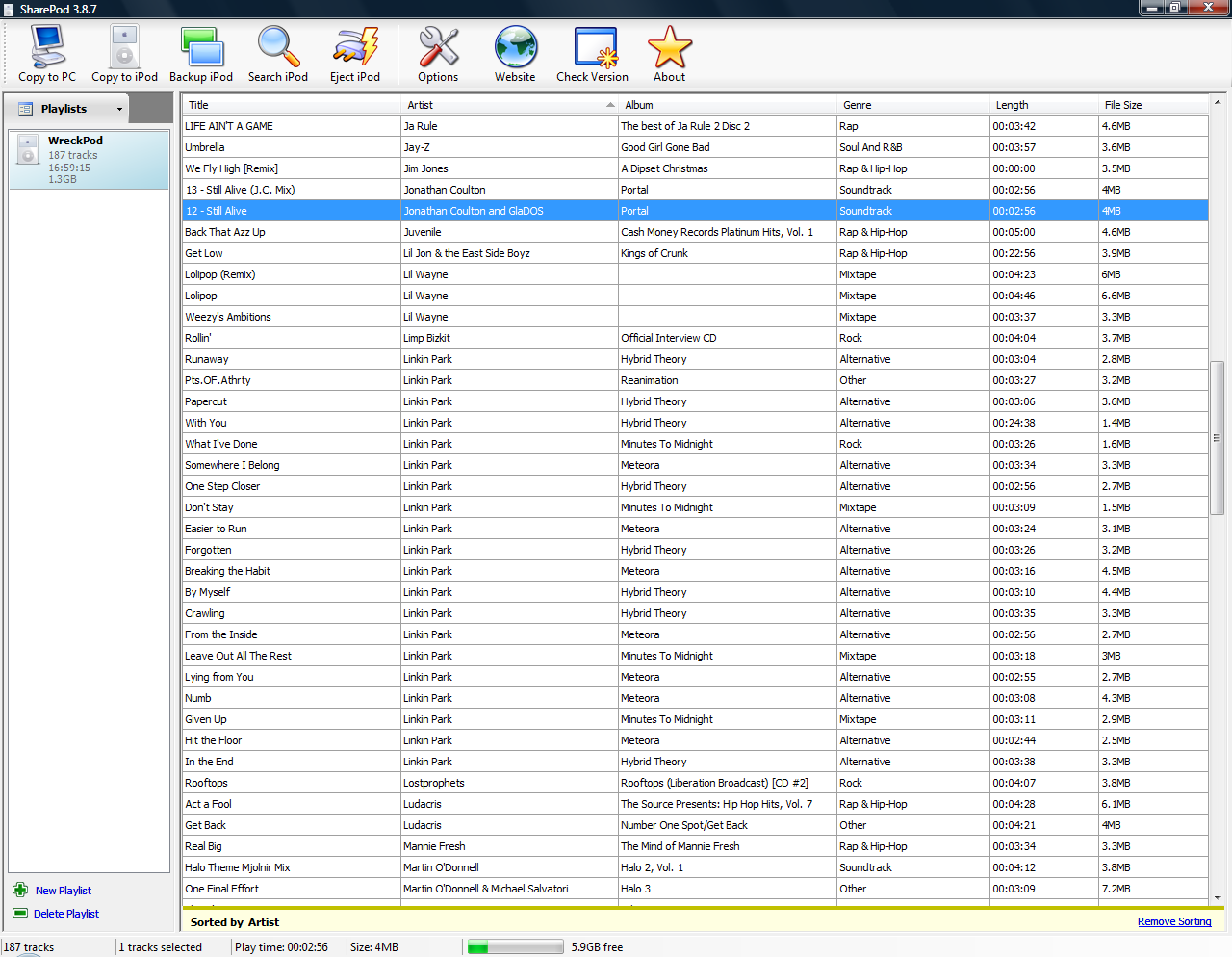
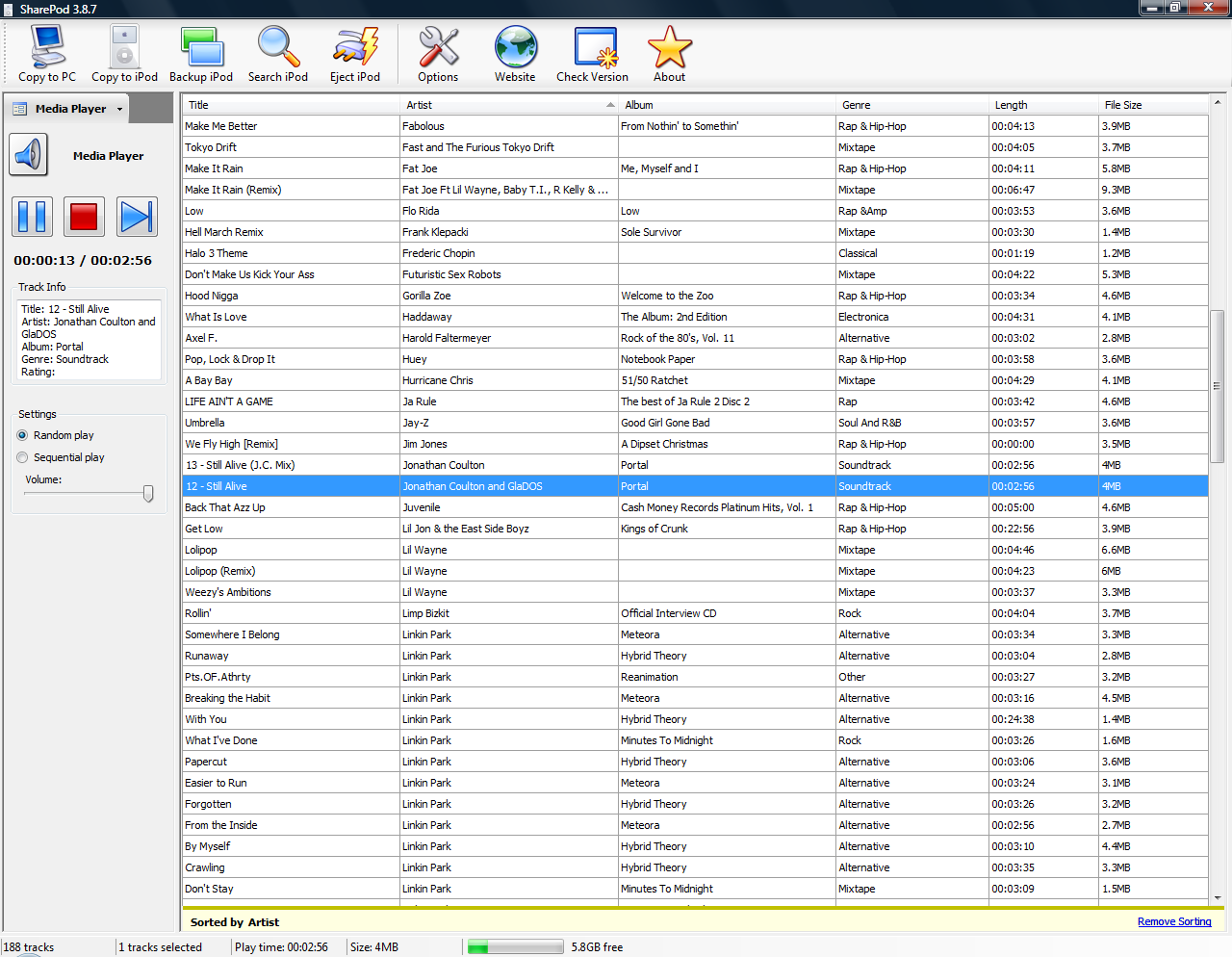
Media GUI:
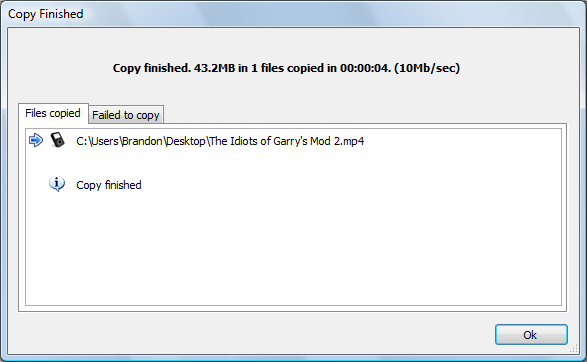
Copy completed GUI (same GUI when copy is in progress, just shows animated image instead of "Copy finished" text:
Who is this app designed for:
Anyone with an iPod/iTouch/iPhone that wants to ditch what could possibly be one of the worlds most annoying applications. Simple, smart, straightforward.
The Good:
- Simple GUI
- No frills options
- Easy to check for updates
- Well designed website
- Fast import and export
- Exports XML files to help those still using iTunes alongside SharePod (not sure WHY, but hey, whatever floats your boat)
- Light on resources
- Built in media player (!) - play RIGHT from your iPod
- Organizes music and videos automatically, drag, drop, forget (pictures and other items untested as of this writing)
- Tag editor and album art changer
- Eject iPod right from the window, single click
The needs improvement section
- The splash screen is a bit annoying
- You can NOT edit a song/video/etc more than once per launch or you lose all your changes in a nice little crash

- The organization options (title, album, etc) don't seem to work together with multiple rules (ex: Artist and Title)
Why I think you should use this product
It is a fast, lightweight and great little alternative to iTunes. Free and well built, I see no reason why any other application should be chosen over this one for the task of iPod syncs. It does its job, does it well, and does it fast.
How does it compare to similar apps
I tried a bunch of different odd programs around Google, including SongBird (I speak highly of this media player) - SB could not sync with the iPod, BUT it did prepare it so I could sync it with SharePod. SP basically blew everything out of the water for me.
Conclusions
Definately recommend it - anyone can use and understand it, and it can save you in the case of catastrophic computer reformat. SharePod sits on your iPod (not required, but why not?) so you can pull your music back in seconds (or minutes). Worth taking a serious look at if you are like me and hate iTunes, or just want a simple way to sync and go.
Links to other reviews of this application
None that I know of.
Extras
Below is my personal Autorun.inf from my iPod - it will autostart SharePod.exe in the root folder of your iPod (directly in the iPod, NOT in any subfolder). Note that I got this as a new iPod, set it up with SongBird and then use SharePod to sync it, so you may have to follow those steps to get the full disk space and potential out of your iPod as well.
Spoiler (click to show/hide)
[Autorun]
ShellExecute=SharePod.exe
Action=Start SharePod
Icon=SharePod.exe
Label=Brandon Seal's iPod
UseAutoPlay=1
ShellExecute=SharePod.exe
Action=Start SharePod
Icon=SharePod.exe
Label=Brandon Seal's iPod
UseAutoPlay=1


