


NANY 2009 Entry Information
| Name of Application | Keyser FARR Plugin |
| Version | 1.0.1.7 |
| Short Description | Access Web Browser Searches via FARR |
| Supported OSes | WinAll |
| Web Page | n/a |
| Download Link | http://ewemoa.dcmembers.com/Plugins/Keyser/Keyser.zip |
| Checksums | MD5: b0b8514fc69fc45cfc6abcae835183a0, SHA1: 839198124f7fee0a898f4e2da97c2f77c49bd297 |
| System Requirements |
|
| Version History |
|
| Author | ewemoa |
Description
The initial motivation for this plugin was to enable FARR to reuse the searches already available in one's local installation of Firefox -- those available via its Search Bar / Search Box. Firefox makes use of OpenSearch plugins to provide this functionality. OpenSearch plugins are used by Firefox, IE 7, and other apps to allow one to search various sites more conveniently and quickly. For those interested, there is more OpenSearch-related info at:
http://mycroft.mozdev.org/
http://www.opensearch.org/Home
As it stands now, the plugin has some level of support for the following browsers:
- Firefox 3 (2 might work, but I didn't test)
- IE7 (8 may end up working, but who knows?)
- K-Meleon (not as customizable as the other two)
I haven't decided whether to continue developing this plugin at this point. Whether I continue may depend on the level of success I have with cleaning up the existing code

Screenshots
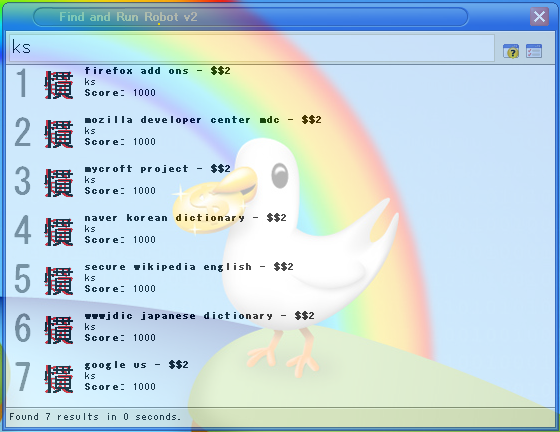
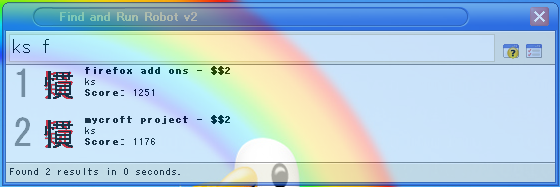
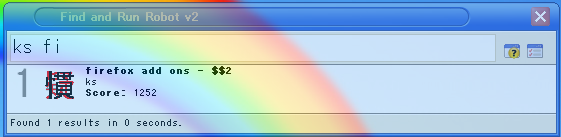
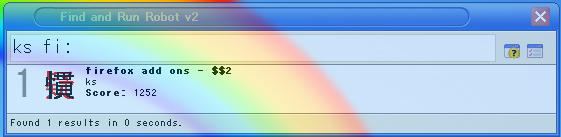
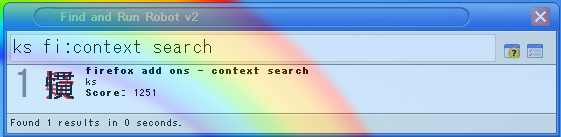
Usage
Installation
The installation flow is the same as other FARR plugins:
- Unpack the archive (probably a zip file) into FARR's Plugins directory
- If FARR is running already, tell it to reload plugins (e.g. via the 'goreload' alias)
- If FARR is not running, start it up
Configuration may be necessary to indicate to the plugin where to look for browser-maintained searches. There is a detailed README.txt included in the plugin.
Using the Application
- Bring up FARR.
- Type: ks Amazon:little schemer
- Choose one of the results (e.g. via numeric keypad).
The usage is modeled after the SokuGin Alias -- more details are available for that at its forum thread.
Uninstallation
One way that may work is:
- Quit FARR
- Find and delete the plugin's folder from FARR's Plugins directory


 , especially as I generally always use FF. There are a number of reasons I don't use Chrome all the time (this is just another one)