


I can't figure out how to do this. I have an Excel Workbook with multiple sheets. They all have the same columns, but the number of rows is different in each column. I'd like to, in a separate sheet, put all the rows from all the sheets on top of one another in one long list. How do I do this? I want the big list to be live-linked to the other cells, I don't want to simply copy them. Any changes to the original cells will be shown in the big sheet. The big sheet is simply a summary sheet for display purposes.
The ranges in each sheet is named using the Named Ranges feature. And I've somehow figured out how to make the ranges dynamic (I don't remember how). That means whenever a row is added to a sheet, the named range automatically adds that row to the range.
I tried using pivot tables, but I'm not very advanced with them. I also tried consolidating the ranges. The problem with both of these seem to be that it assumes you want to do some calculation on the data, like summing them or averaging them. I don't want to do that. I simply want to just copy the cells and combine them all in one big list. No calculation, or function or anything like that.
Thanks!!
The ranges in each sheet is named using the Named Ranges feature. And I've somehow figured out how to make the ranges dynamic (I don't remember how). That means whenever a row is added to a sheet, the named range automatically adds that row to the range.
I tried using pivot tables, but I'm not very advanced with them. I also tried consolidating the ranges. The problem with both of these seem to be that it assumes you want to do some calculation on the data, like summing them or averaging them. I don't want to do that. I simply want to just copy the cells and combine them all in one big list. No calculation, or function or anything like that.
Thanks!!


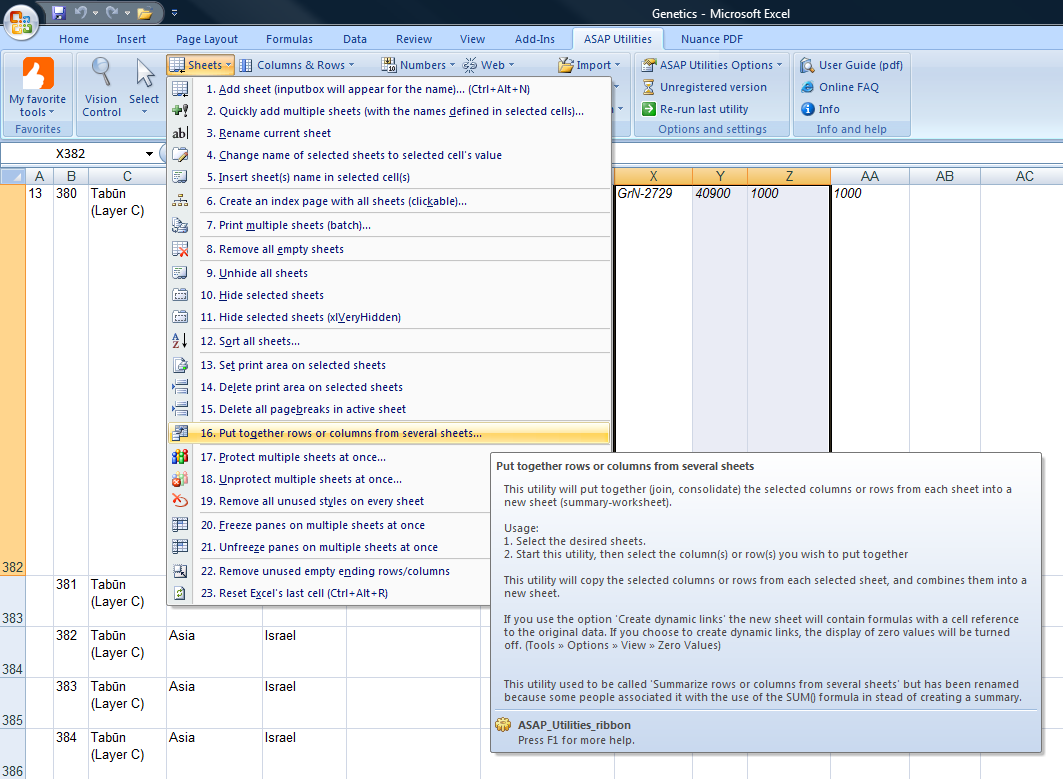
 Works a treat, too, but it's pricey.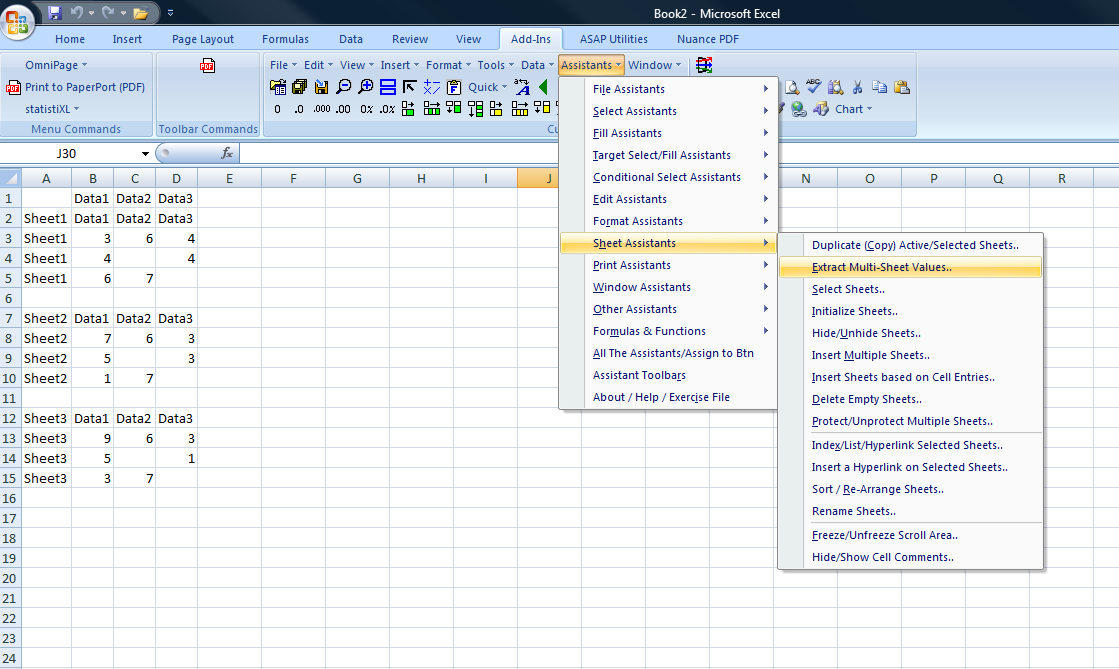


 Ignore my previous post