DonationCoder.com forum
 
Read-only archive. This is a static copy of the DonationCoder.com forum. Reading and searching work as before; logging in, posting and private messages do not.
Archive of 2026-10-21 · About this archive · Main site

Author Topic: Blurry Image  (Read 6,316 times)

robinsiebler

  • Charter Member
  • Joined in 2005
  • ***
  • Posts: 83
    • Military Service Badge - US Marine Corp
Blurry Image
« on: July 02, 2008, 12:14 AM »
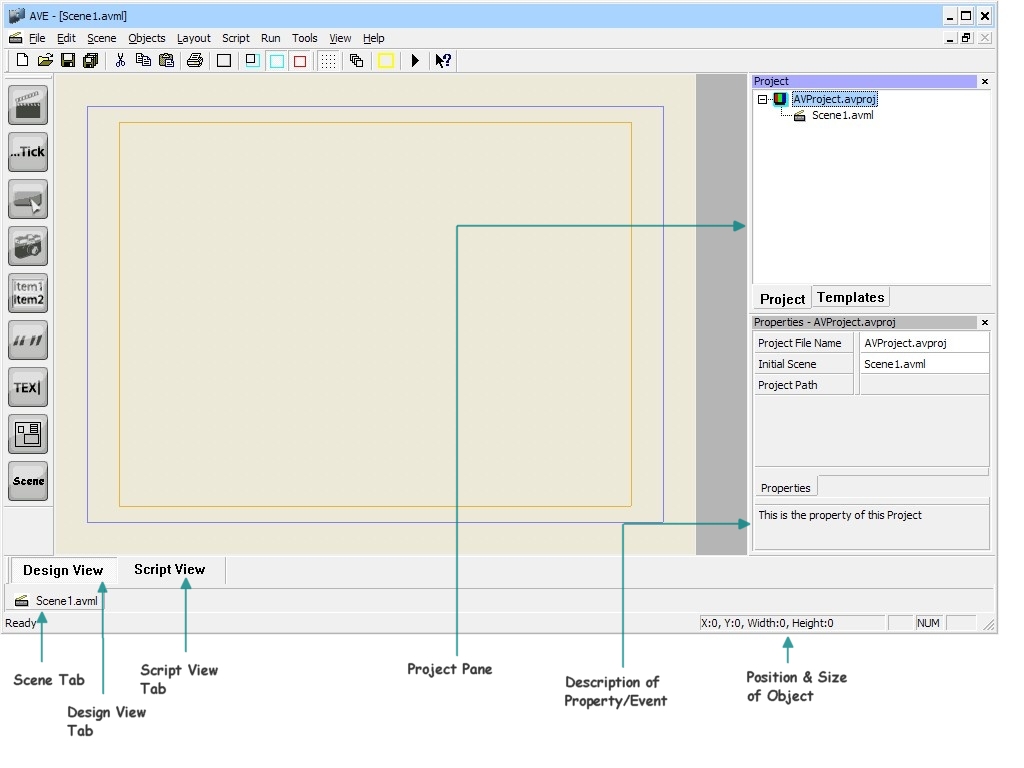
I created a screenshot and then I added some arrows and text to it.  For some reason, when I saved the image, the arrows and text were blurry.  :(
I tried doing the same thing in Snagit and the output wasn't blurry.

Also, I couldn't figure out how to resize the canvas (so I could add the text outside of the screenshot), so I pasted the screenshot into Paint and then opened that in Screenshot Captor.
Happiness is laced with shards of pain
« Last Edit: July 02, 2008, 12:16 AM by robinsiebler »

jgpaiva

  • Artificial Idiocy
  • Global Moderator
  • Joined in 2006
  • *****
  • Posts: 4,727
    • Cody Award
    • Participated in NANY Challenge Once
    • Coding Snacks
    • Portugal Inhabitant
    • Linux User
Re: Blurry Image
« Reply #1 on: July 02, 2008, 12:18 AM »
I'm not exactly sure, but isn't there transparency on the arrows and text? If so, that could be the problem.

mouser

  • First Author
  • Administrator
  • Joined in 2005
  • *****
  • Posts: 40,931
    • Gathering Badge
    • Plugin Coding Medal
    • Participated in NANY Challenge Seventeen Times
    • Cody Award
    • Coding Snacks
    • Volunteers/Staff
Re: Blurry Image
« Reply #2 on: July 02, 2008, 12:27 AM »
To resize canvas go to edit -> resize image:
[attach]

Original address: https://www.donationcoder.com/forum/index.php?topic=13907.0