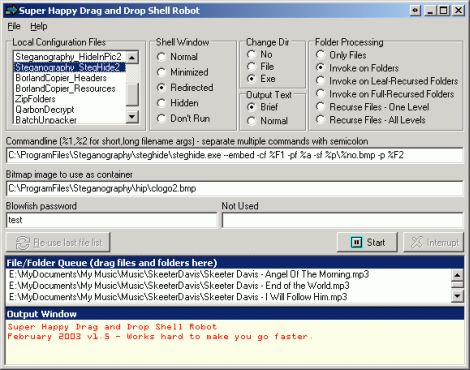
Back in the old DOS days (I used DR-DOS) there was a neat command called "xall" which worked like this:
xall copy *.m3u E:\
(from the starting point, drill down through all subdirs, find anything with the m3u extension and copy to the root of E drive)
xall ren *.txt *.prn
(do the rename operation all the way down the subdir path)
Xall is still out there on the 'net, but all I can find is a version that's long-filename-unfriendly.
Anyone know of a Windows version of this? GUI or command line, either would be great.
LJ
xall copy *.m3u E:\
(from the starting point, drill down through all subdirs, find anything with the m3u extension and copy to the root of E drive)
xall ren *.txt *.prn
(do the rename operation all the way down the subdir path)
Xall is still out there on the 'net, but all I can find is a version that's long-filename-unfriendly.
Anyone know of a Windows version of this? GUI or command line, either would be great.
LJ