Mozillazine is informative but slow...
Anyone have a good list of extensions that works with Firefox Minefield?
Anyone have a good list of extensions that works with Firefox Minefield?


 Topic: Firefox extensions for Minefield (Read 21,201 times)


| ... For all later versions of Firefox and Thunderbird, and in SeaMonkey 2 set the preference extensions.checkCompatibility to false. Firefox and SeaMonkey users can type about:config in the address bar and press Enter. Thunderbird users can use the Config Editor. 1. Right-click -> New -> Boolean 2. Name: extensions.checkCompatibility 3. Value: false |
The other issue is, how do you install an extension from the site if you can't even download it?@dantheman: is there any particular extension that you're looking for? maybe i have a local copy..
to newly install an older and incompatible extension, one might have to turn off the compatibility checking within Firefox.No, that won't do it either. Go to the homepage of an extension -- if it has one -- to get it if you really want it. Though less convenient, doing so would also give you a good chance to find an updated beta version for FF3 not available on addons.mozilla.org yet.
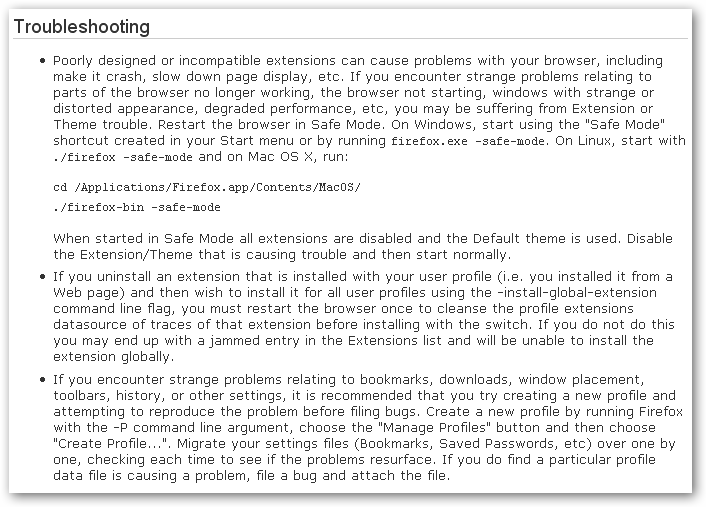
And be cautious when turning off the compatibility checker. You should at least know how to bring FF back to life should it crash at startup due to extension incompatibility.The checker is there for a reason.
that's why there is a built-in safe-mode and this is repeated on the release notes.I knew that, but I wasn't sure dantheman did and thought it might worth mentioning. Not many people read release notes, though hopefully more people here do.

 LocationBar2 won't be necessary anymore in this version.
Of course, one of those three that fail to work is my fav OpenBook...
FX3RC1 seems to chew up more on CPU than FX2 (with extensions compatibility check off, even more).

Of course, one of those three that fail to work is my fav OpenBook...
what about this version?

OpenBook i find offers more options to adding bookmarks, keyword field for example.
I'm using Diigo's bookmarking system but somehow still prefer FX's, especially with new tagging method and Foxmarks beta which supports this new bookmarking way. It always faster to find what your looking for now with the url field acting like LocationBar2 and more!
With extensions checking disabled, i now have an issue with tabs interface.
The "x" to close them no longer appears and i don't feel like going through the safe mode process to find out which extension is giving the problem. Have work to do!
Update: by chance, it turns out a skin was making the "x" disappearing from the tabs.
OpenBook i find offers more options to adding bookmarks, keyword field for example.
I think you get that with the standard Add Bookmark dialog with FF3. No?
I'm using Diigo's bookmarking system but somehow still prefer FX's, especially with new tagging method and Foxmarks beta which supports this new bookmarking way. It always faster to find what your looking for now with the url field acting like LocationBar2 and more!
I'm also using Diigo, and I like it in general, but not sure if I'll stick with it yet. The new bookmark system of FF3 is apparently giving ruse to a horde of new extensions. Many of them are now marked as experimental. We'll see how many of them mature in the end.
With extensions checking disabled, i now have an issue with tabs interface.
The "x" to close them no longer appears and i don't feel like going through the safe mode process to find out which extension is giving the problem. Have work to do!
Update: by chance, it turns out a skin was making the "x" disappearing from the tabs.
Does your mouse have a middle button? I close tabs with it all the time. Not sure what makes it working, though: Firegesture, Tab Mix Plus, or something else.
Oh?! It would be nice to know a little more about these novelties.


Original address: https://www.donationcoder.com/forum/index.php?topic=13340.0