


For anyone still using batch files...
I customized the colors/font of my cmd window (on XP) by clicking the titlebar and changing Properties>Colors.
When I use my right click menu to 'open command prompt here" I get the colors I want.
I also have a batch file that opens a window with cmd /k but the colors default to black/white.
I read the color /? and cmd /? entries but did not figure out the solution - what "cmd" do I use in my batch file to open a window with the same colors/font as I get with "open command prompt here"?
thanks
I customized the colors/font of my cmd window (on XP) by clicking the titlebar and changing Properties>Colors.
When I use my right click menu to 'open command prompt here" I get the colors I want.
I also have a batch file that opens a window with cmd /k but the colors default to black/white.
I read the color /? and cmd /? entries but did not figure out the solution - what "cmd" do I use in my batch file to open a window with the same colors/font as I get with "open command prompt here"?
thanks
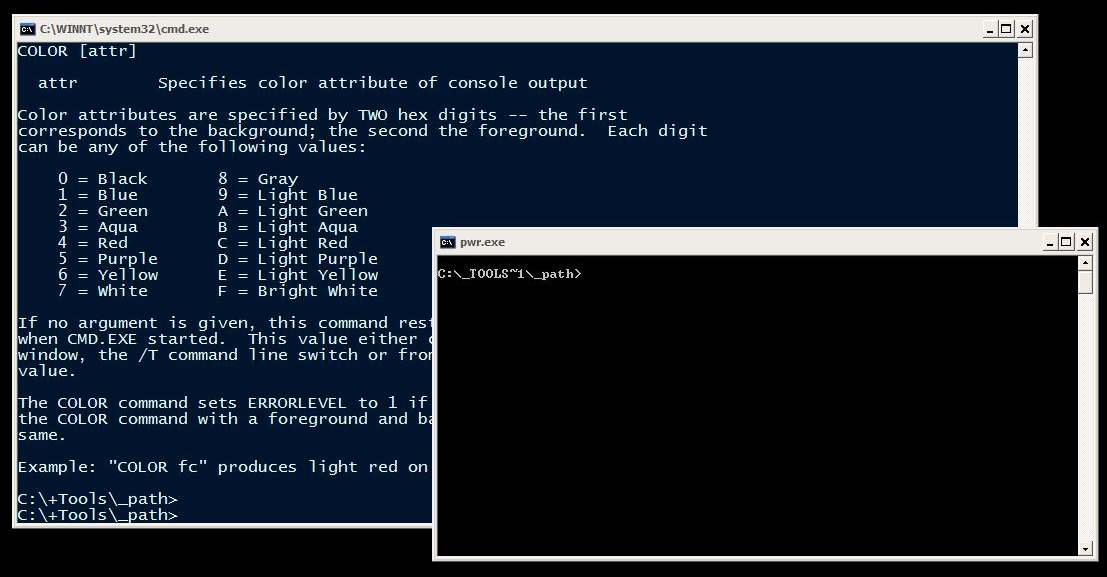


 for this feature this day (for my new "RunAsAdmin.cmd")