


Sick of your HD spinning and churning nonstop day after day, driving you nuts? I use XYplorer's search to find files and never need this feature. If you use a third-party search utility, then disable Vista's Search Indexer service. Here's how:
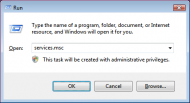
Start > Run >Services (or type "services.msc" at the run command)
Right-click on the WINDOWS SEARCH service, and select PROPERTIES

In the 'Service Status' section on the General tab, hit the STOP button
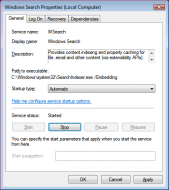
On the same tab at the 'Startup type' dropdown list, choose DISABLED

Hit the APPLY button, close the Services dialog, and save your HD.
________________________________________________
There, I just stopped cussing.
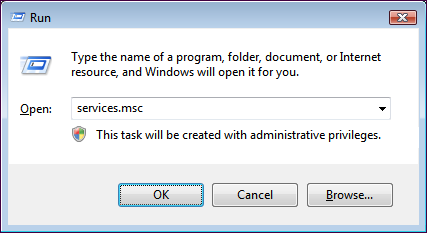
Start > Run >Services (or type "services.msc" at the run command)
Right-click on the WINDOWS SEARCH service, and select PROPERTIES

In the 'Service Status' section on the General tab, hit the STOP button
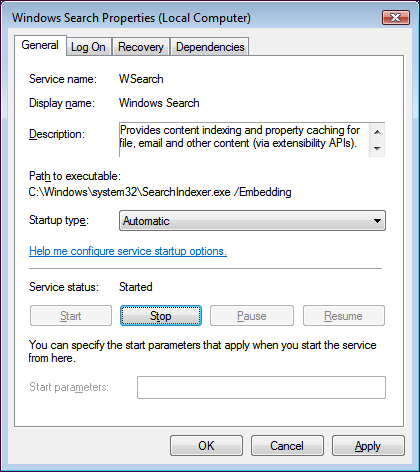
On the same tab at the 'Startup type' dropdown list, choose DISABLED

Hit the APPLY button, close the Services dialog, and save your HD.
________________________________________________
There, I just stopped cussing.


 VanDragt.com
 and persevere: no FARR and no 3rd-party indexer until I've given Vista its fair chance.


