


TechRepublic/ZDNet today suggested a useful utility from http://systemexplorer.mistergroup.org/ called System Explorer.
It does a lot of things similar to apps like ShellEx and Process Explorer but has a few I haven't seen before.
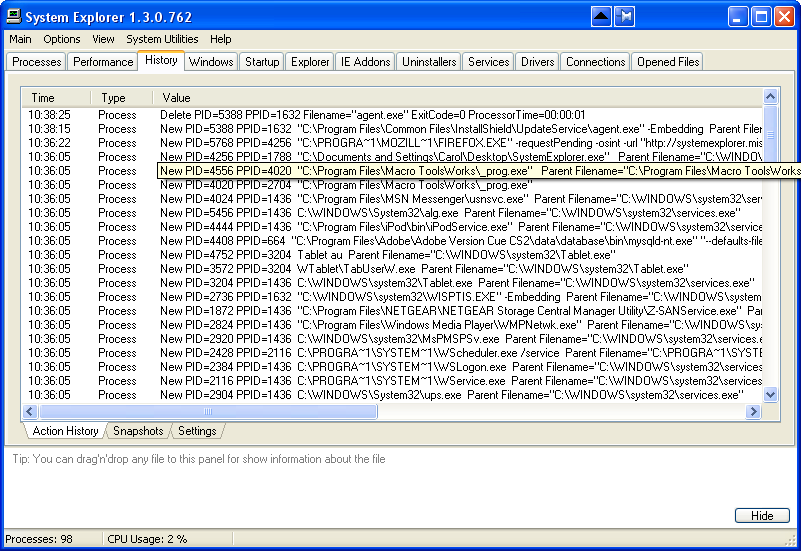
Here is a sample screenshot:
Small download and worth a look.
By the way it doesn't need installing just download and double click - options are store in an ini file in the same folder as the app.
It does a lot of things similar to apps like ShellEx and Process Explorer but has a few I haven't seen before.
- You can access services (and start stop etc) from a single tab.
- It has a history button that logs what your system is doing and you can take snapshots
- A list of open files and which apps has them open
- A list of network connections and related apps etc.
- An uninstaller with extra options
Here is a sample screenshot:
Small download and worth a look.
By the way it doesn't need installing just download and double click - options are store in an ini file in the same folder as the app.





