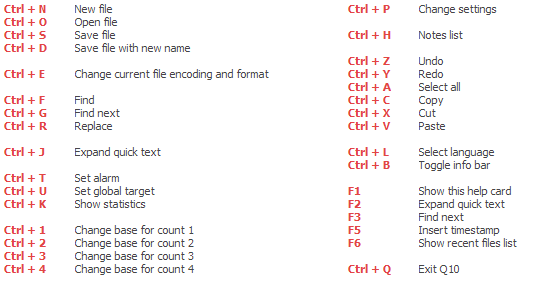
app103, does the F1 key work in other programs?
I just tried it in open office and no...F1 doesn't work there either. But this is the only F key that is having a problem. Everything else works, and does what it is expected to do, so I don't think it's an issue with some F-lock, that doesn't exist, being stuck.
One final thought, thoug - App, is there a key labelled Fn on your keyboard by any chance?
No, there isn't one.
And the path mentioned in the Jon Galloway blog post doesn't exist here, so I don't think it's some Microsoft branded keyboard stuff installed on my pc.
I don't have a Microsoft branded keyboard. I have an HP one...pretty generic PS/2 thing, most likely manufactured by Micro Innovations. (they make a lot of stock keyboards for Dell & HP) It is pretty much identical to all my genuine Micro Innovations branded keyboards I own except for color. These are pretty simple keyboards, nothing fancy about them except that they are spill resistant and can take a royal beating and keep working. The fanciest thing about them is the mute button in the upper right corner.
There are no user changeable settings for this keyboard except the repeat speed.
Maybe I'll have to play around with ahk and see if I can get F1 to trigger F1 (kind of like I had to do with Win+E to force it to open Explorer)


 ... Shouldn't preclude you from thanking the poster for bringing q10 to your attention, though, should it


.png)