i froogled for dvi cables and it doesn't seem that expensive.. maybe i should get one for better viewing quality..
Re: To wide-screen or not to wide-screen
« Reply #25 on: November 06, 2007, 07:16 AM »


 Topic: To wide-screen or not to wide-screen (Read 106,364 times)


I have a friend that bought a 21.4" Samsung with 3000:1 contrast ratio. I'm not sure why he needed it (suspect he doesn't) but I'm gathering from people's choices here that 800:1 (which is a lot cheaper where I am) would be just fine for normal usage?


 - carpe noctem
i froogled for dvi cables and it doesn't seem that expensive.. maybe i should get one for better viewing quality..


F0dder, I am curious about the comment you made where you felt the 4:3 display is better for coding. I couldn't disagree more, and I am curious what your reasoning is.I tend to maximize my apps, it's faster than manually resizing... a text editor (notepad++) becomes way too wide this way, and even visual studio with solution explorer, toolbox etc. open is quite wide enough. On a widescreen, there's simply too much wasted space if you maximize, in my opinion, and I'm afraid that might encourage having way too long source lines.
- carpe noctem


More food for thought. I don't game and I don't watch movies on my computer (very often, anyway). Seems there may be compelling reasons to avoid widescreen given that I, too, like to maximize my apps (Word, Excel, Access) when working?
F0dder, I am curious about the comment you made where you felt the 4:3 display is better for coding. I couldn't disagree more, and I am curious what your reasoning is.I tend to maximize my apps, it's faster than manually resizing... a text editor (notepad++) becomes way too wide this way, and even visual studio with solution explorer, toolbox etc. open is quite wide enough. On a widescreen, there's simply too much wasted space if you maximize, in my opinion, and I'm afraid that might encourage having way too long source lines.
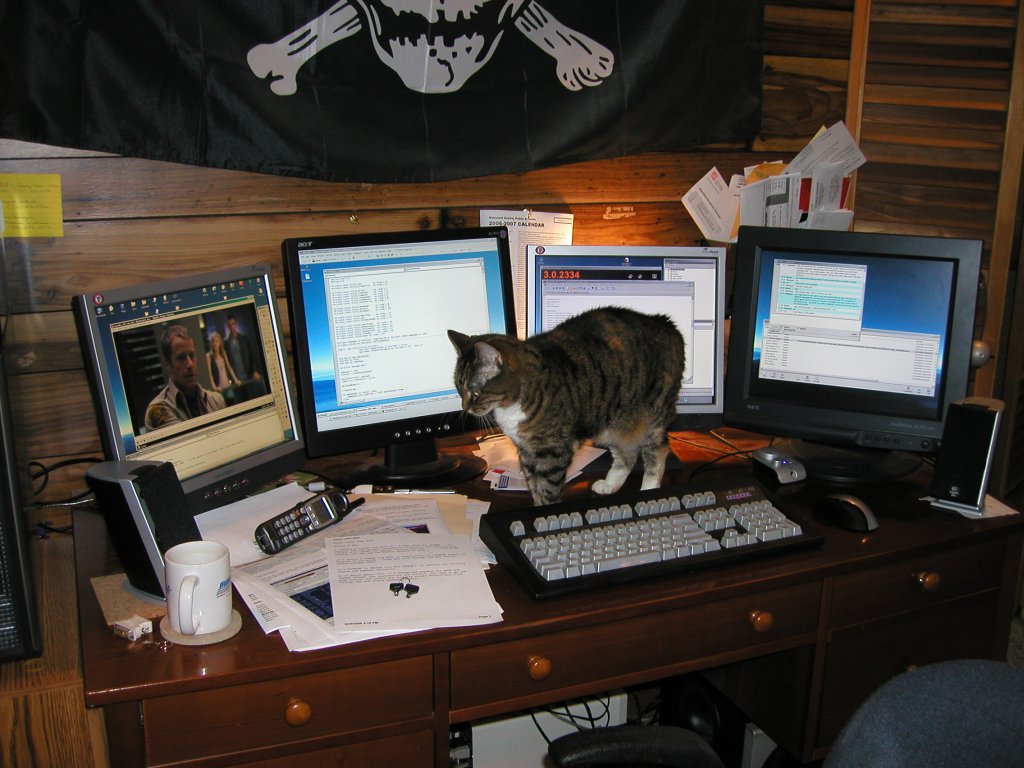
I also maximize windows most of the time and I find the extra width to be more help than hinderance. I personally find the widescreen format to be, in all ways, better than the old 4:3. I like it wide, so much so that I have two wide screen displays side by side. Guess its different strokes and all that.
 ). I tested a number of games, and most of them can be switched to match the monitor's real resolution, so they are not stretched, and the rest of them are stretched by default, but in my graphic card's (nVIDIA) driver I found an option to lock the ratio so that the view just doesn't use the whole width of the screen. Or you can disable resizing completely, and then the image doesn't touch any side of the screen.


BTW I also prefer the 4:3 format. Though if I were to buy a new LCD screen today I might get one that can be (physically) rotated 90 degrees. Very useful for those of us that read a lot of pdf files on the screen.To your first point, stands or mounts probably depends on the hardware supplied. I use the stands supplied with my two Samsung 214Ts (1600x1200). They provide a lot of adjustment: height, tilt, rotation. Were I to refit my study I might build the computer section around wall mounts but, for now, I have a bunch of stuff I'd rather not see lurking behind the panels so I'm content.
The way I'm set up now, I haven't room for more horizontal screens without some prior upheaval (there's a little Ralf Maximus envy here, though) but I'd sure like to have a grid of 4. That arrangement would surely need wall mounts, eh?
Nah. You just need a standard-size desk with nothing else on the back half, and accept the loss of physical real-estate.
I *used* to have three 19" glass monitors, and that was retarded. I barely had room for my keyboard and had to sit back in my chair to avoid bumping my nose into Windows.
Jeff links to this nice LCD buying guide:
http://www.xbitlabs.com/articles/other/display/lcd-guide-f2007.html
Jeff links to this nice LCD buying guide:
http://www.xbitlabs.com/articles/other/display/lcd-guide-f2007.html
thanks nontroppo, via this link i found a review on Samsung 931BW.
| By default, the monitor has 100% brightness and 75% contrast. When the contrast setting is increased above its default, details get lost in lightest color tones. To achieve a 100nit brightness of white I reduced the brightness and contrast settings to 31% and 33%, respectively. |


A dual-monitor setup can't help you with such things either, so a widescreen is the only
A dual-monitor setup can't help you with such things either, so a widescreen is the only
Explain this, please. I'm simply drawing a blank. My auxillary monitors are *crammed* with sidebars and toolbars and whatnot.
Original address: https://www.donationcoder.com/forum/index.php?topic=10698.0