What you can do however, is to select multiple items and apply formatting to them as a group
Which would work even better with a Format Painter

Am I right in remembering that Conditional Formating is planned as well?


 Topic: SQLNotes...what is it exactly? (Read 1,173,506 times)


What you can do however, is to select multiple items and apply formatting to them as a group

Am I right in remembering that Conditional Formating is planned as well?Yes, conditional column formatting is planned (red if greater than zero, bold if DueDate < now, etc). In fact, very little is left before implementing it... no user request has been the main reason why it is being pushed forward.

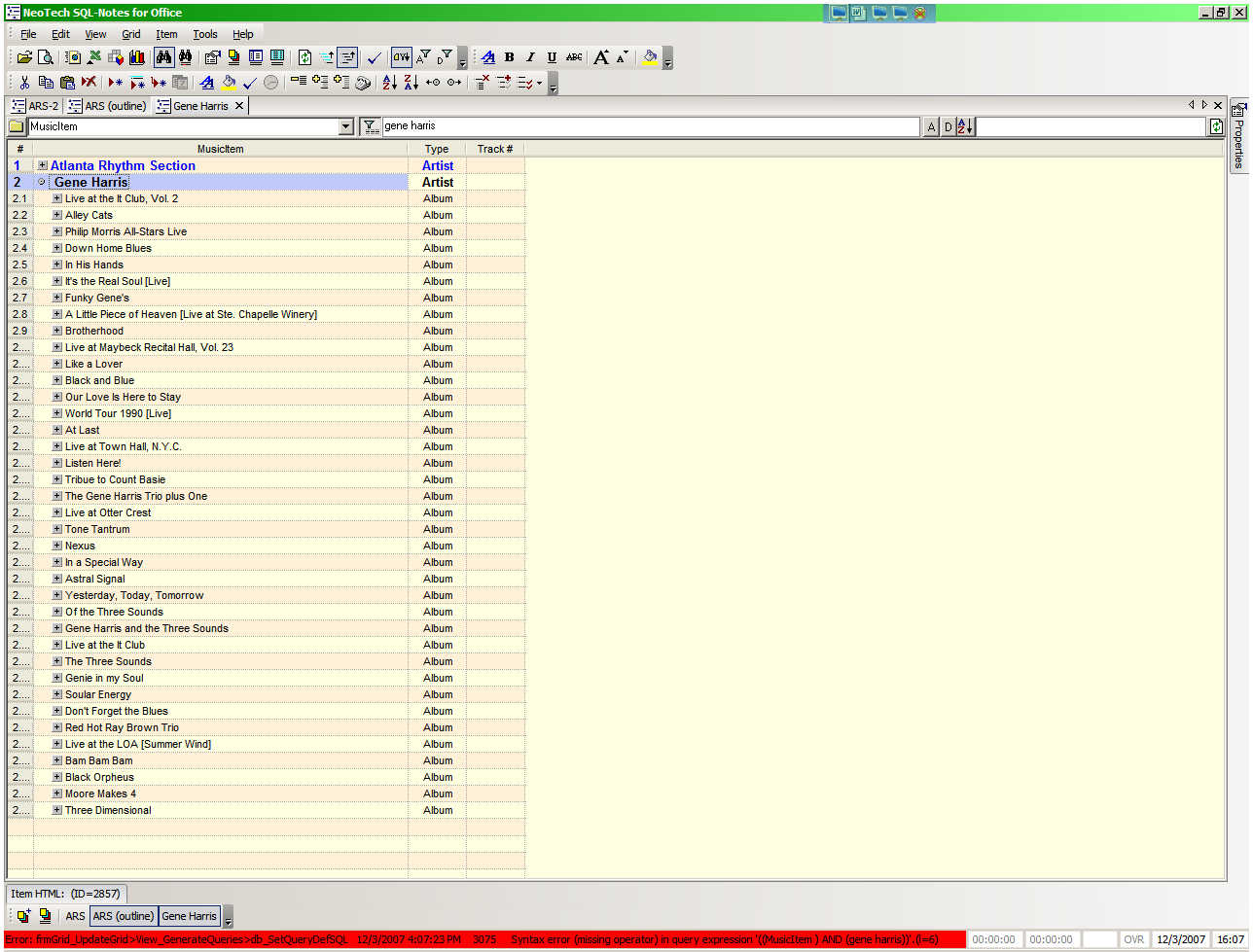
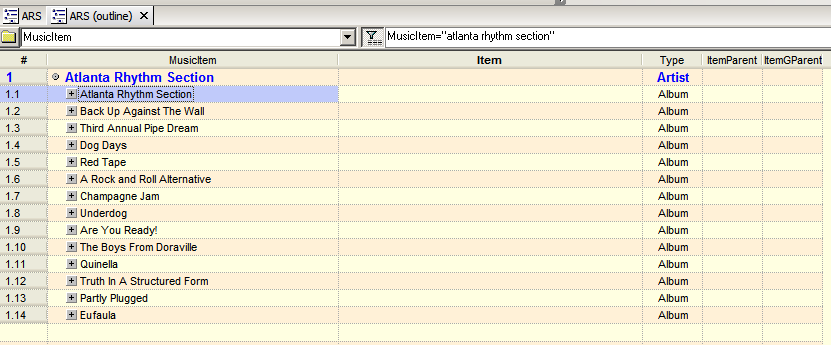
1. You're not too far. In your filter, you must say which field to filter:1) It still doesn't work for me. There are 3 places to type in the bar, and none of them worked. I opened up the alpha toolbar and type "gene", but you see how my top-level item is "Gene Harris"? It only filtered the sub items and only the albums that had the words "gene harris" in the album title, which is only a few of them. How come it doesn't show everything under Gene Harris since the top level matches the filter?
MusicItem="Gene harris". You can also use the Alpha toolbar: MusicItem and click the G or type Gene in the associated text box
2. You can use the Check field (or another). Simply check the items you want and set the source (or filter) to Check
This feature will be added. Currently, you can do with in Field Properties:If I do it this way, is it going to copy all the MusicItem's into Item for the entire database, or just the ones in this grid?
1- Select the item field
2- In Equation enter = MusicItem
3- Click Update
4- Remove the equation from the Equation field
5- Close the Field Properties dialog.


2 pages were added to the wikispace:
1- How to use SQLNotes fields
2- How to import data from other programs (in particular Outlook) into SQLNotes
http://sqlnotes.wikispaces.com/
All... This is not what you want to do?Well, in this case it works. But I only want to copy the musicitems for these particular items, not the entire database. What if I had another grid somewhere and I'm using both the MusicItem AND the Item fields? Then I don't want one to overwrite the other. I just want to copy/paste for a selected few.


I think I found a bug:
In the Options, where it says "Create backup on program close", I keep changing it to "Yes" and it keeps going back to No. That's why I didn't have backups saved that one time. The setting doesn't stick.
Yes, more formats will be added, but if tab-delimited does not work, can you try comma separated ?

I think I found a bug:This is now fixed in the daily build
In the Options, where it says "Create backup on program close", I keep changing it to "Yes" and it keeps going back to No. That's why I didn't have backups saved that one time. The setting doesn't stick.
I'd be interesting to determine if it's Outlook that can't generate properly formatted tab and csv delimited files or SQLNotes that doesn't read them correctly...
Original address: https://www.donationcoder.com/forum/index.php?topic=10432.0