LATEST OFFICIAL RELEASE:
 Download vv2.15.01
- (or get the portable zip)
- June 12, 2013 - 9x/2k/XP/Win7/Win8
SUPPORT PROJECT:
 Donate to author
HELP AND ASSISTANCE:
 View help/changelog
 Discuss on forum
REVIEWS AND AWARDS:
COMMERCIAL USE
You may not use this tool to make flipbooks to sell; contact OpenAirPhotoBooth.com for a commercial license.
It was driving me madIt was driving me mad. My laptop would sporadically run at 100% CPU utilization and lock up. It defied all attempts at analysis as the PC was seized and I couldn't do anything. Only a hard reboot was possible, but on rebooting the problem was gone.
Eventually I solved it with a superb little utility called Process Tamer, written by "Mouser" over at Donation Coder. Process Tamer is a monitor that watches the CPU utilization of all running processes. Once the usage of a single process gets above a certain level (by default 70%) Process Tamer reduces the usage by lowering the process priority.
It's a simple idea and Process Tamer implements it immaculately. With Process Tamer installed, the next time the problem occurred on my laptop it didn't totally lock up but rather just ran very slowly. This allowed me to do a quick diagnosis. The problem turned out to be simple but non-obvious. Two programs, Diskeeper and X1, had been accidentally scheduled to start at the same time and were getting into an embrace of death. It was unexpected, as these two normally peacefully co-exist. Simply re-scheduling the programs to start at different times solved the problem.
I couldn't have solved the problem as easily without Process Tamer. However Process Tamer has much broader application than just this kind of problem.
It's a great tool for preventing any one program from hogging your processor. Every user has experienced the situation where their PC has been slowed down to the point of being unusable, by a background program such as a desktop search program, that starts and takes all the resources. Process Tamer will stop that from ever happening again.
I was so impressed with Process Tamer that I've permanently installed it on my laptop. It takes only around 6MB of memory space and its own CPU usage is so low I could barely measure it.
Process Tamer is available for free from the Donation Coder site. They use a novel licensing system: you have to register to get a free license key which allows you to download any number of programs on the site. This key lasts six months after which you must return to the site to download another free license key. After a year you are given a permanent license. Alternatively, you can make a once-up donation of any size and get a permanent key straight away. It's a clever and ethical way to encourage users to recognize the work done by freeware authors and I support it fully. I donated generously and I hope you do too.

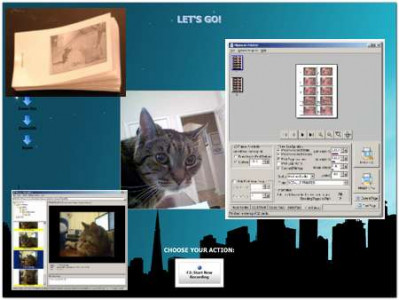
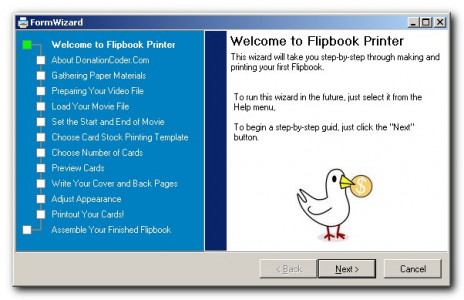
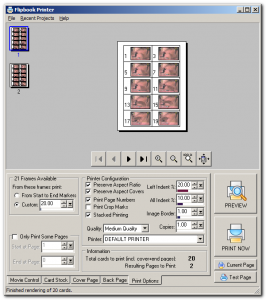
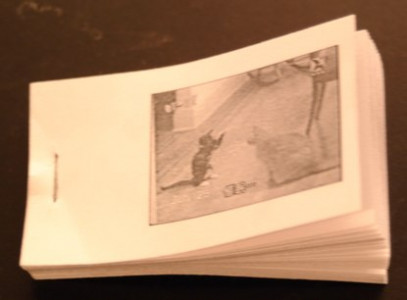
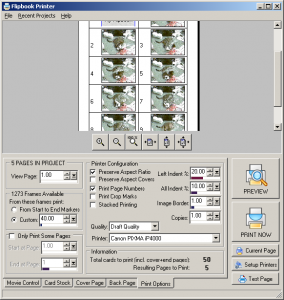
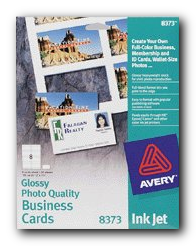
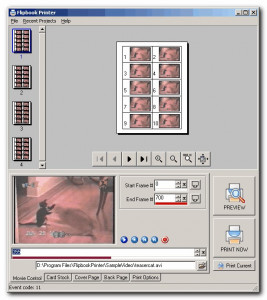
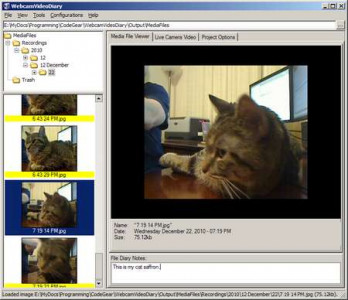
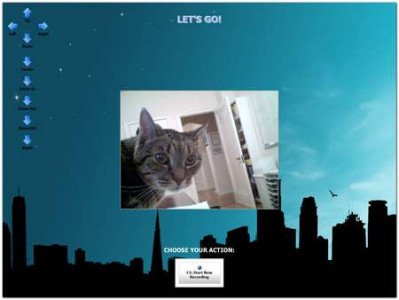
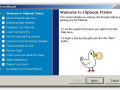
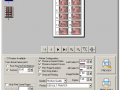
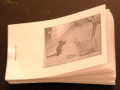
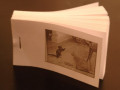
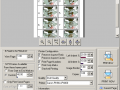
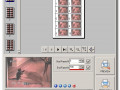
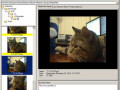
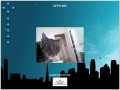
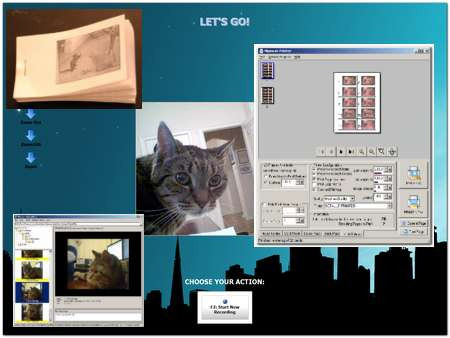
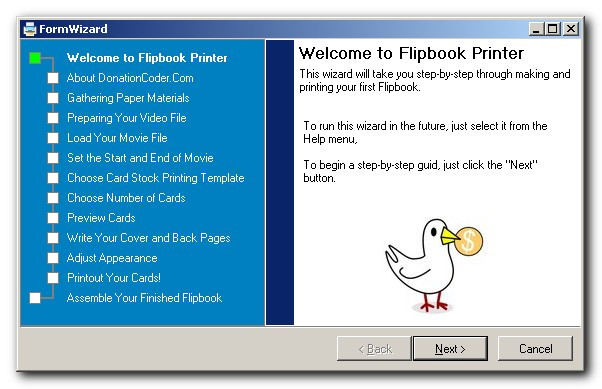
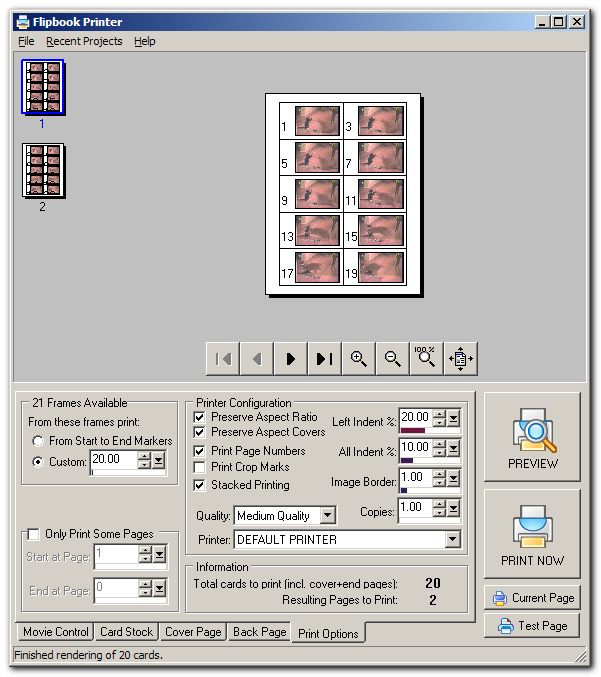
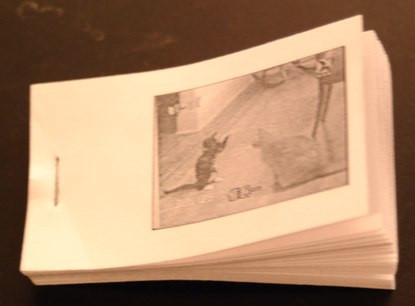
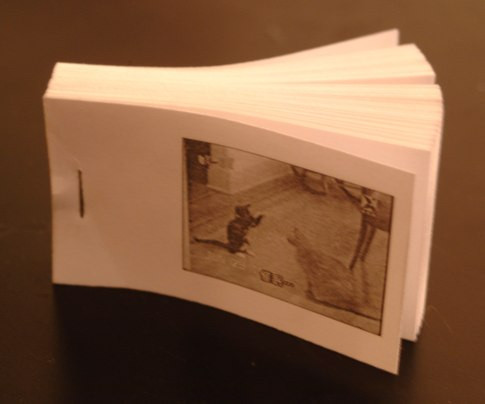
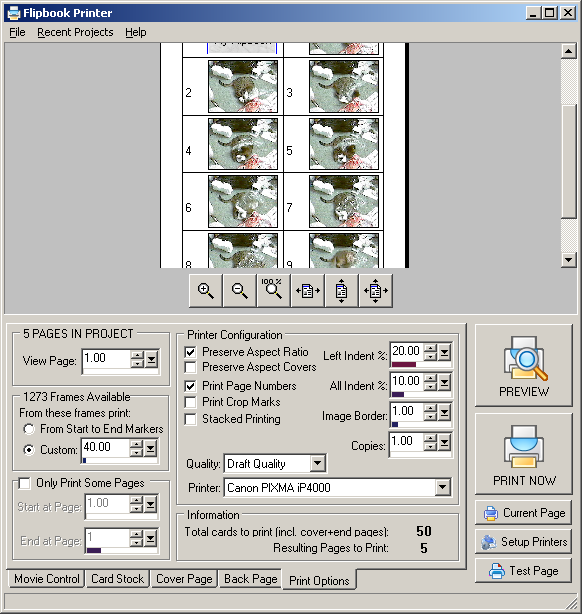
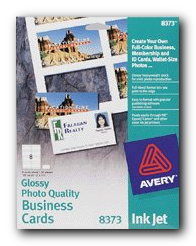
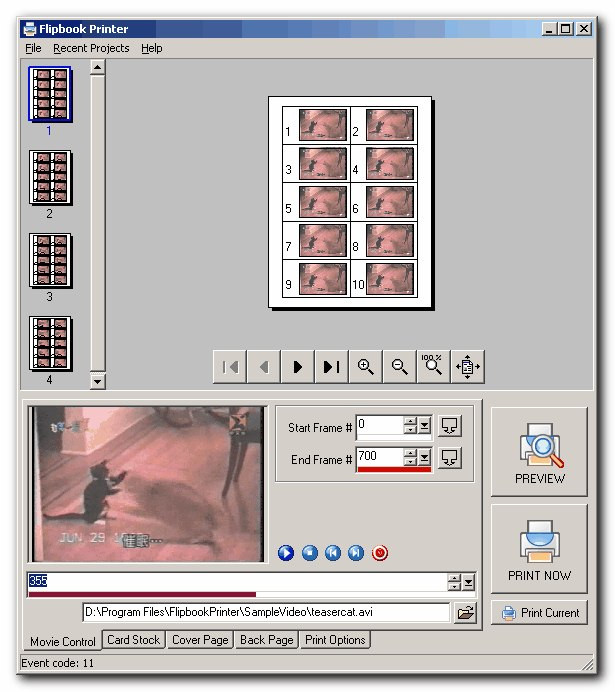
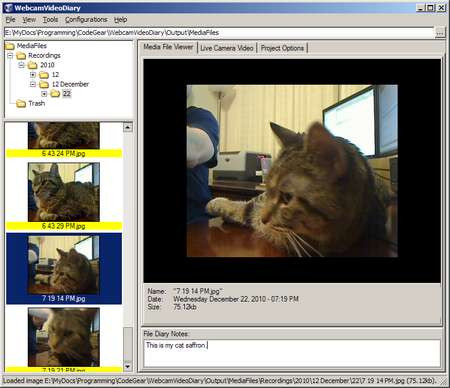
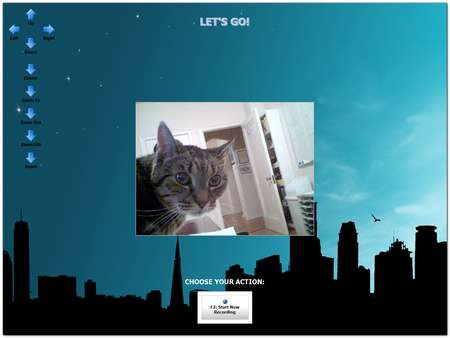
Flipbook Printer Suite (FlipSuite) is the evolution of Flipbook Printer (and Webcam Video Diary). It helps you record video and make printed "Flip Books" from video movie files using business card paper or a professional card cutter. It even includes a highly customizable optional subject monitor display that shows a full screen touch-screen compatible interface for subjects to control recording/preview/printing.
FlipSuite's development was funded by the company that now owns the commercial rights to the software, and they have generously allowed us to continue to distribute a fully functional free version.
Commercial Use of FlipSuite and Flipbook Printer?
You may only use the free version of Flipbook Printer for personal home use. The exclusive commercial rights to Flipbook Printer are now managed by OpenAirPhotoBooth.com. If you have need for commercial Flipbook Printing, for events or promotions, please contact them directly.
Please note that without a commercial license a small text message is displayed on the far left border of printed flipbooks that states it may not be used commercially.
You may not use this tool to make flipbooks to sell; contact OpenAirPhotoBooth.com for a commercial license.
What was the inspiration for Flipbook Printer?
We used to draw our own flipbooks when we were kids but I had long since forgotten about them until 1999 when my mother and I stumbled onto a showing of Masters Students work at the Krannert Art Museum at the University of Illinois at Urbana Champaign. Most of the projects there were awful things like a giant pile of broken glass, but one of the Masters projects was a display by a woman named Stephanie Ognar. It was basically a set of flipbooks hanging by strings, each one with a short movie consisting of things like her putting on a winter jacket, blowing a kiss, etc. Very very simple idea, but somehow surprising and magical and whimsical. Somehow it felt like I was holding a little piece of history frozen in time. It was a zen-like reminder of how amazing it is that we can capture moving events. Maybe it's just the unexpected shock of seeing a "movie" on paper. Anyway, we were captivated by that display and I've wanted to make a tool to help people make these books for many years. If you're interested in flipbooks as art, you might like to know that other artists are also involved in flipbook work. Please let us know if you use our program in a project!History: Flipbook Printer was created in February 2005, and first released to the public for home/personal use in November 2005, when it was featured in Lifehacker, BoingBoing, and Make magazine.