
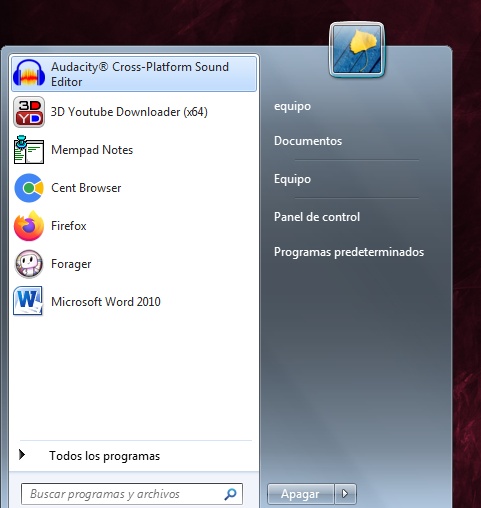
I would like some kind of mod for the (Windows 7) start menu to allow something as two columns of programs.
Here a image of my idea.
Windows 7 / Start Menu mock up
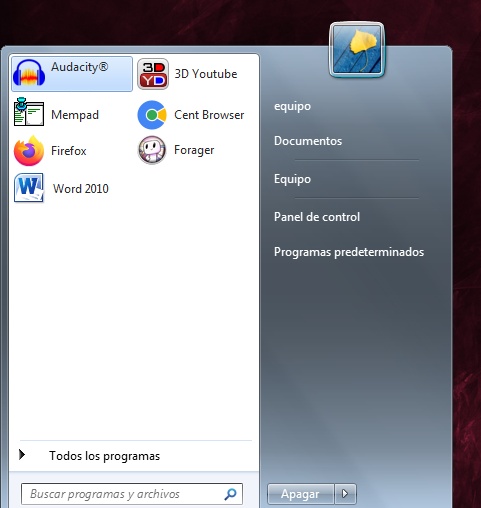
Here a image of my idea.
Windows 7 / Start Menu mock up

 Topic: Start Menu mod (Read 7,666 times)


Welcome to the Open-Shell-Menu Open-Shell
Originally Classic Shell by Ivo Beltchev
GitHub Release GitHub Pre-Release Build status GitQ Gitter chat
Features
Classic style Start Menu for Windows 7, 8, 8.1, 10
Toolbar for Windows Explorer
Classic copy UI (Windows 7 only)
Show file size in Explorer status bar
Title bar and status bar for Internet Explorer
Ordinarysoft's family of Start Menu replacementsThe Pro version is under $10. The above is the blurb for Start Menu X, their latest version, but they also offer:
Start Menu X with Start Button
Start Menu X is a replacement of the system menu for professionals. Compatible with Windows 10.
Power users know how inconvenient and time-consuming it is to launch programs from the system menu.
We have created a solution for you!
Virtual Groups
Group programs by purpose (office applications, graphics, etc) without changing their location on the hard drive.
One-click start
The PRO version allows you to assign a primary program to any folder and start it simply by clicking this folder.
Flexible configuration
Customize the menu to your taste! Change the structure and add tabs.
From Windows XP up to Windows 10 (32 and 64 bit)
Freeware!
("Are you missing the Windows 7 Menu Classic?")Vista Start Menu
Does it have to be the Start Menu as such? I ask because I see you use Horst Schaeffer's MemPad. If you're open to alternative launchers, have you tried his Qsel?I tried QSel, it's a good program, light and does what it should, although I don't find it very nice to open a window to search a list of programs and have the start menu for others.

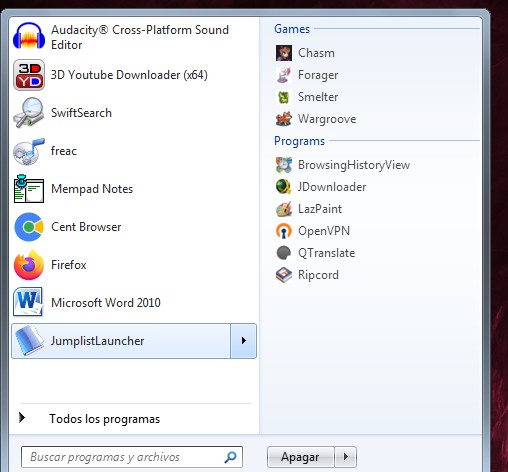
 It replaces the Windows Start Menu, though it lets you revert to that if you want to. It's a lot nicer and more powerful than the Windows default, but it's, well, what did I expect, a Start Menu. That means it points to the c:\Program Files\ and c:\Program Files (x86)\ subdirectory trees. Some of my programs are installed in their own directories off c:, e.g. something like "c:\Programs\NoteTab 7\", and Start Menu X is not as happy finding such as those. I also have quite a few programs "installed" as if they were portable in subdirectories beneath "c:\NoInst\", and it can't find those at all (unless there's a way to add them I haven't found yet). So, for a slightly different reason, I'm like you in needing more than one launcher.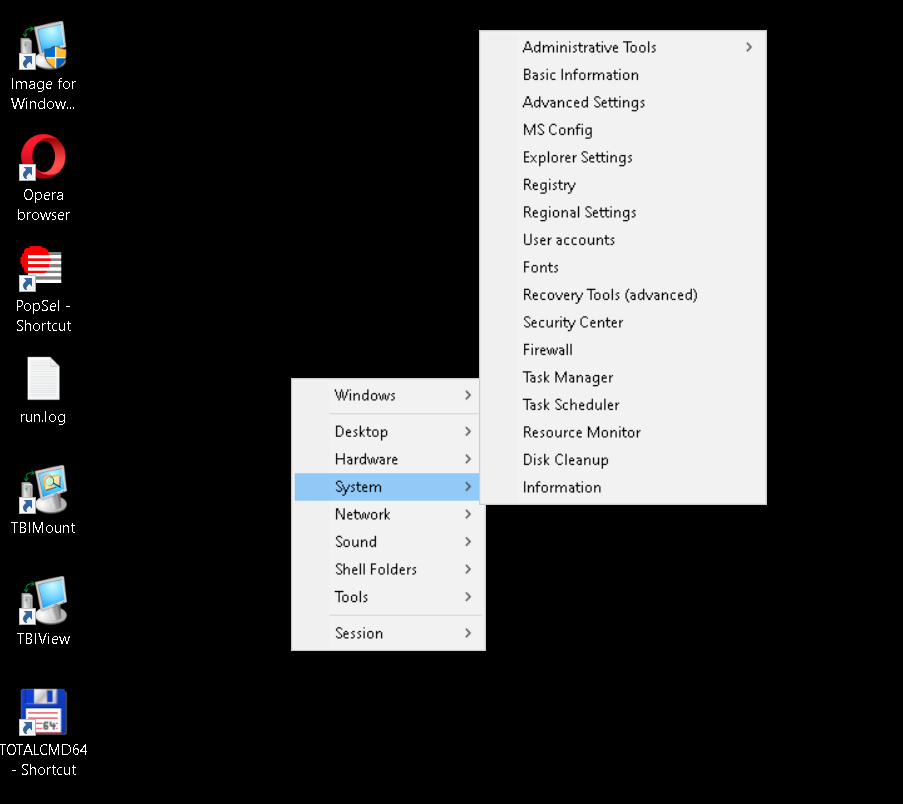
Original address: https://www.donationcoder.com/forum/index.php?topic=51358.0