LATEST OFFICIAL RELEASE:
 Download v4.36.2
- (or get the portable zip)
- Jan 24, 2020 - XP/Win7/Win8/Win10
HOME USERS:
 Get a free license key
 Donate to author
COMMERCIAL USERS:
 Learn about our commercial / site licenses
HELP AND ASSISTANCE:
 View help/changelog
 Discuss on forum
REVIEWS AND AWARDS:
ADDON DOWNLOADS:
IF YOU LIKE THIS TOOL, SEE:
Latest Forum Posts
Friendly and ProfessionalI'm a long time member of www.broadbandreports.com.. a respected member of BBR posted a review of your program Find & Run Robot. I decided to check it out and found your website incredibly easy to navigate, lots of helpful people, not to mention the wonderful software you've created. I don't join a lot of websites. I stay with the few I know will be helpful and educational for me. I decided to donate what I had in my paypal account because I thought, 1 You make great software and, 2 Your forum seems really friendly and professional at the same time. I will help spread the word on BBR, where I spend most of my time. Thank you for making such an informative and useful site.
M.M.

SCREENSHOT CAPTOR VERSION 4: SUPERCHARGE YOUR PRTSCR BUTTON
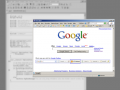
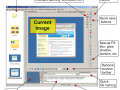
Screenshot Captor is a best-in-class tool for grabbing, manipulating, annotating, and sharing screenshots. It's different from other screenshot utilities in several notable ways:
- Optimized for taking lots of screenshots with minimal intervention; stays out of your way until you need it.
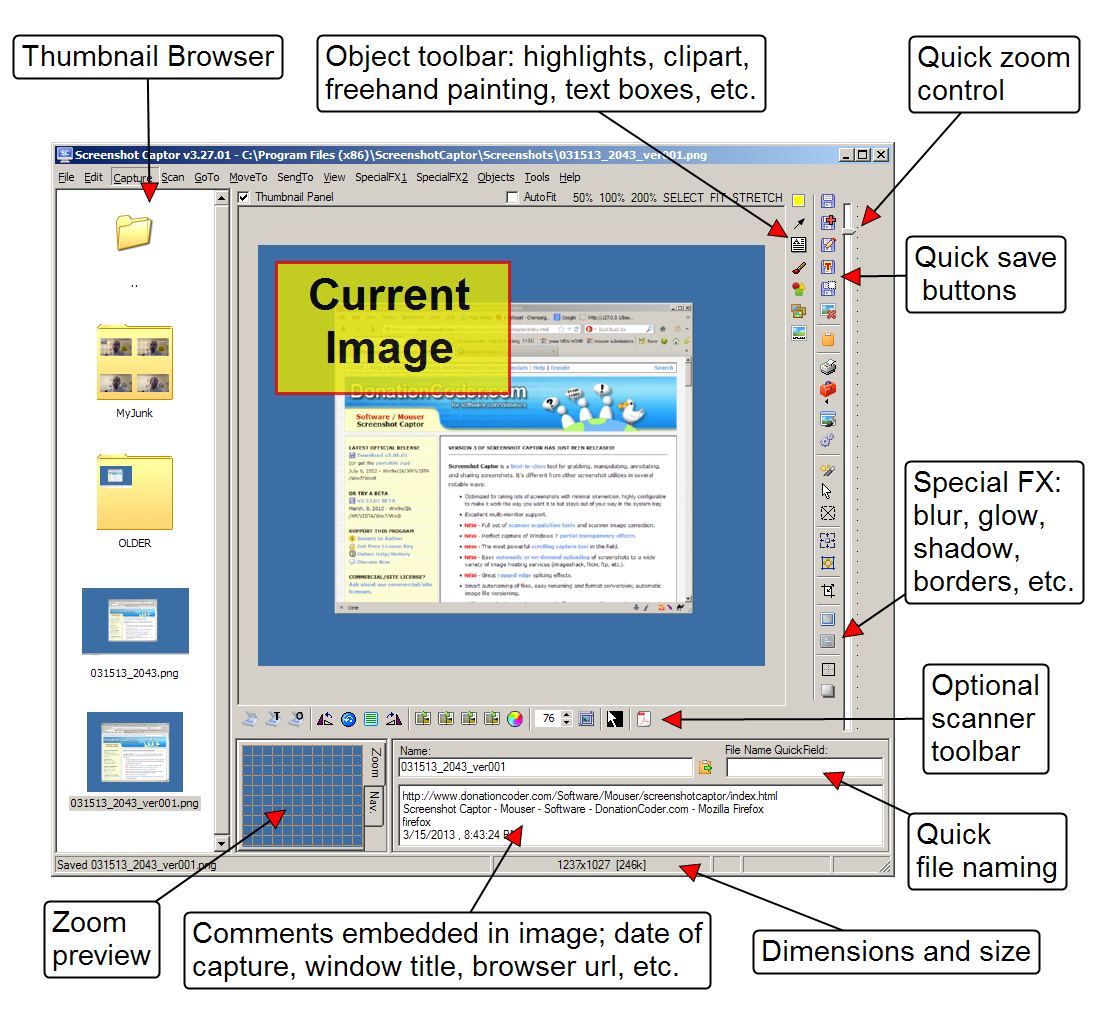
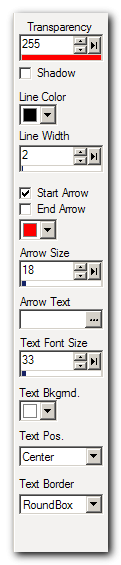
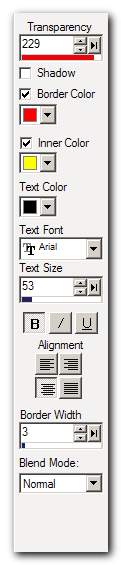
- Super easy to add and edit callout arrows and text boxes.
- Easy automatic or on-demand uploading of screenshots to image hosting services; easy emailing of screenshots to your friends and colleagues.
- Take snapshots from webcams; record video with the ESR addon.
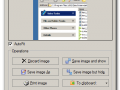
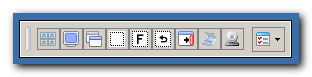
- New optional quick-capture docking bar and post-capture action dialog.
- Full set of scanner acquisition tools and scanner image correction.
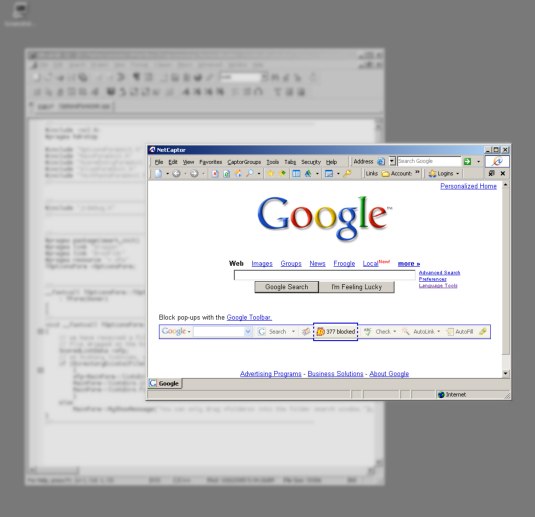
- Perfect capture of Windows 7 partial transparency effects.
- The most powerful scrolling capture tool in the field.
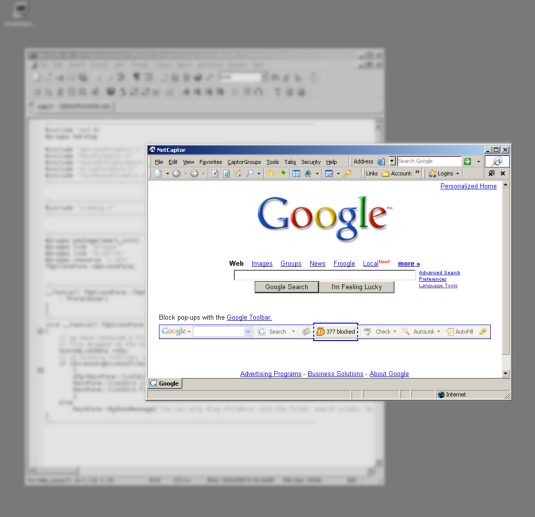
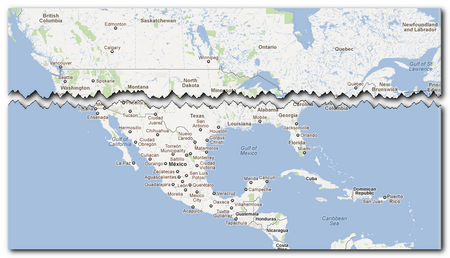
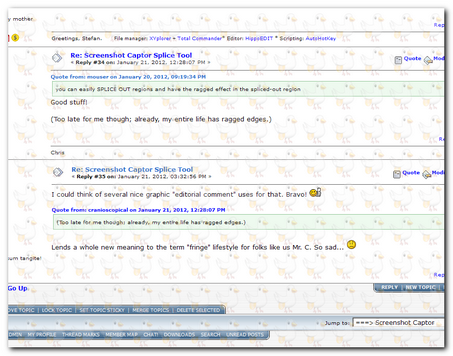
- Great special effects, including automatic active window enhancement, ragged edge splicing, pixelation, smart text removal, and many more.
- Smart autonaming of files, easy renaming and format conversion; automatic image file versioning.
- Ability to embed textual comments in files or add attractive captions to images and printouts.
- Unsurpassed multi-monitor support and lots of capture modes: Multimon (multiple monitors), Desktop, Active Window, Region, Windows Object, Scrolling Capture. Each mode has a customizable hotkey for quick access.
- Unsurpassed support for 3rd party user configurable tools, including file browsers and image editors; extend the program to do whatever you need by interfacing it with other programs.
- Sidebar thumbnail file browser provides full shell operations, drag and drop support, and right-click actions on screenshots.
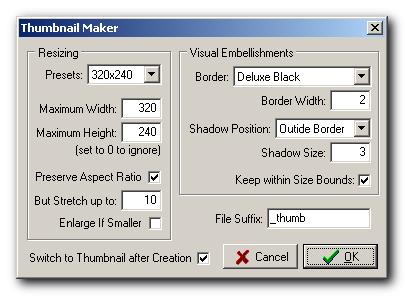
- Deluxe thumbnail maker and watermarker.