

Still Have Questions?
You know the drill -- the first order of business is to search our site or forum for answers to your questions.
But don't hesitate to contact us directly with questions. We don't have secretaries - you'll get a reply right away from the same people who designed the website and coded the software here. Or post your questions on our public forum for a community response.
Live Chat
If you prefer, you can join our text chat channel on irc and speak to other DC members and administrators 24 hours a day, 7 days a week.
May we recommend..
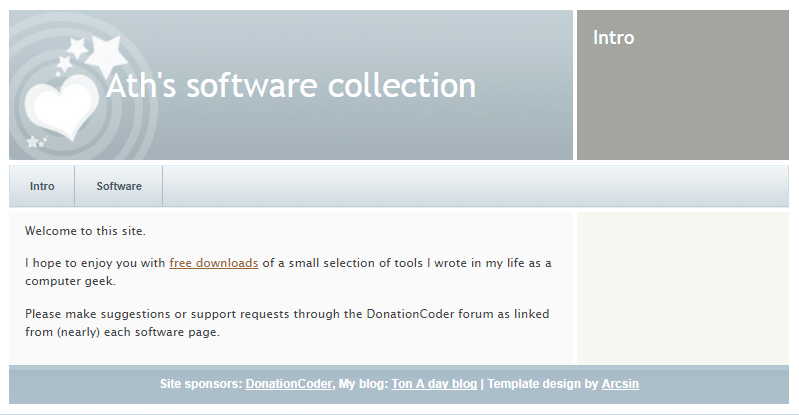
Ath's Software is where DC Member Ath keeps the software he has written and shared.
- Number of programs available: 10+
- Last updated: 2018
- Visit Ath's Software page: http://www.dcmembers.com/ath.
Welcome to the DonationCoder "Frequently Asked Questions" hub. Choose a link below to view a collection of popular questions and answers in the given category.

